Page15/71
Contact Your Local Cable Company
You will need to contact your cable company to establish an Internet account before you can
use your gateway. You should have the following information ready (which you will find on the
sticker on the gateway):
• The serial number
• The model number
• The Cable Modem (CM) Media Access Control (MAC) address
• The Terminal Adapter (EMTA) MAC address
• Security information: Service Set Identifier (SSID), Encryption key / passphrase
(WPA2-PSK by default), channel number. Default values are indicated underneath the
modem on the sticker.
Please check the following with the cable company
The cable service to your home supports DOCSIS/Euro-DOCSIS compliant two-way
modem access.
Your internet account has been set up. (The Media Terminal Adapter will provide data
service if the cable account is set up but no telephony service is available.)
You have a cable outlet near your PC and it is ready for Cable Modem service.
Note: It is important to supply power to the modem at all times. Keeping your modem plugged
in will keep it connected to the Internet. This means that it will always be ready whenever you
need.
Important Information
Your cable company should always be consulted before installing a new cable outlet. Do not
attempt any rewiring without contacting your cable company first.
Please verify the following on the Wireless Voice Gateway
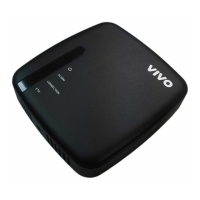
The Power LED should be lighted when plug-in the power supply.
Connecting the Wireless Voice Gateway to a Single Computer
This section of the manual explains how to connect your Wireless Voice Gateway to the
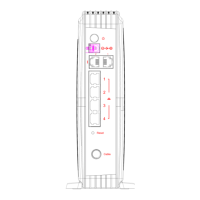
Ethernet port on your computer and install the necessary software. Please refer to Figure 1-7
to help you connect your Digital Cable Modem for the best possible connection.


 To Next Page