Page47/71
Firewall
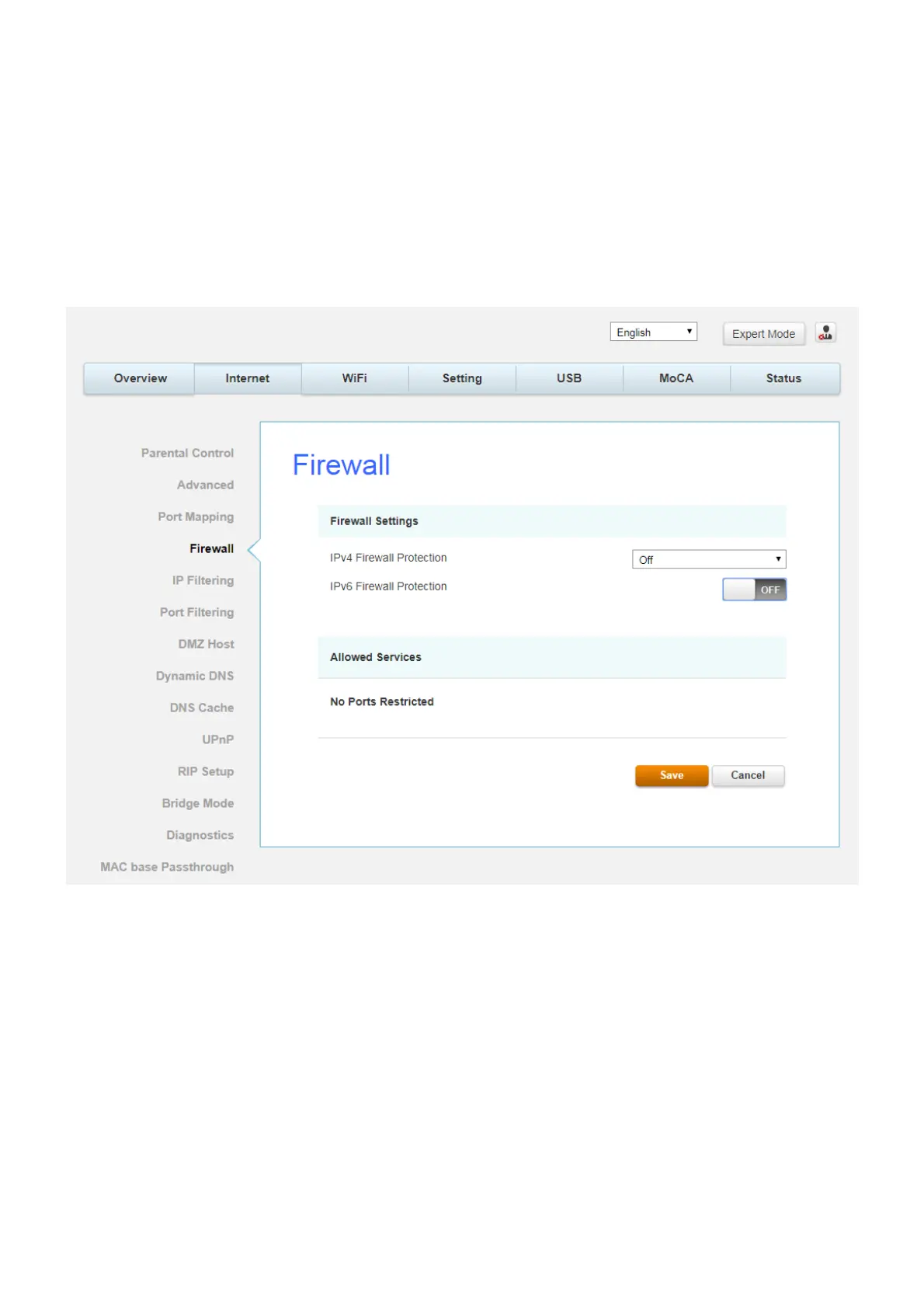
This page allows you to enable/disable, and you can choose “Off”, “Low”, “Medium”, “High”
firewall protection.
The Low setting does not block any services/ports, however it does protect against invalid
packets and well known attacks. The Medium setting will cause the firewall to drop a packet
unless it is on a specific port of allowed services. The High setting is similar to medium, but
allows access to even fewer services. The Off setting allows all traffic to pass.
Fig.2-29 Internet\Firewall


 To Next Page