Page28/71
z 2.4G Wi-Fi Network / 5G Wi-Fi Network: It may help you to Enable or Disable the
2.4GHz / 5GHz wireless function.
z Wi-Fi Name (SSID): The SSID for 2.4GHz / 5GHz Guest wireless function.
z Broadcast SSID: Broadcasting the SSID causes the name of your network to appear in
the list of available networks.
z Wi-Fi Protection: The method of Wi-Fi protection can be OFF, WPA, WPA2/AES or
WPA+WPA2/TKIP+AES.
z Network key: The network key is the password that you use to authenticate with your
router.
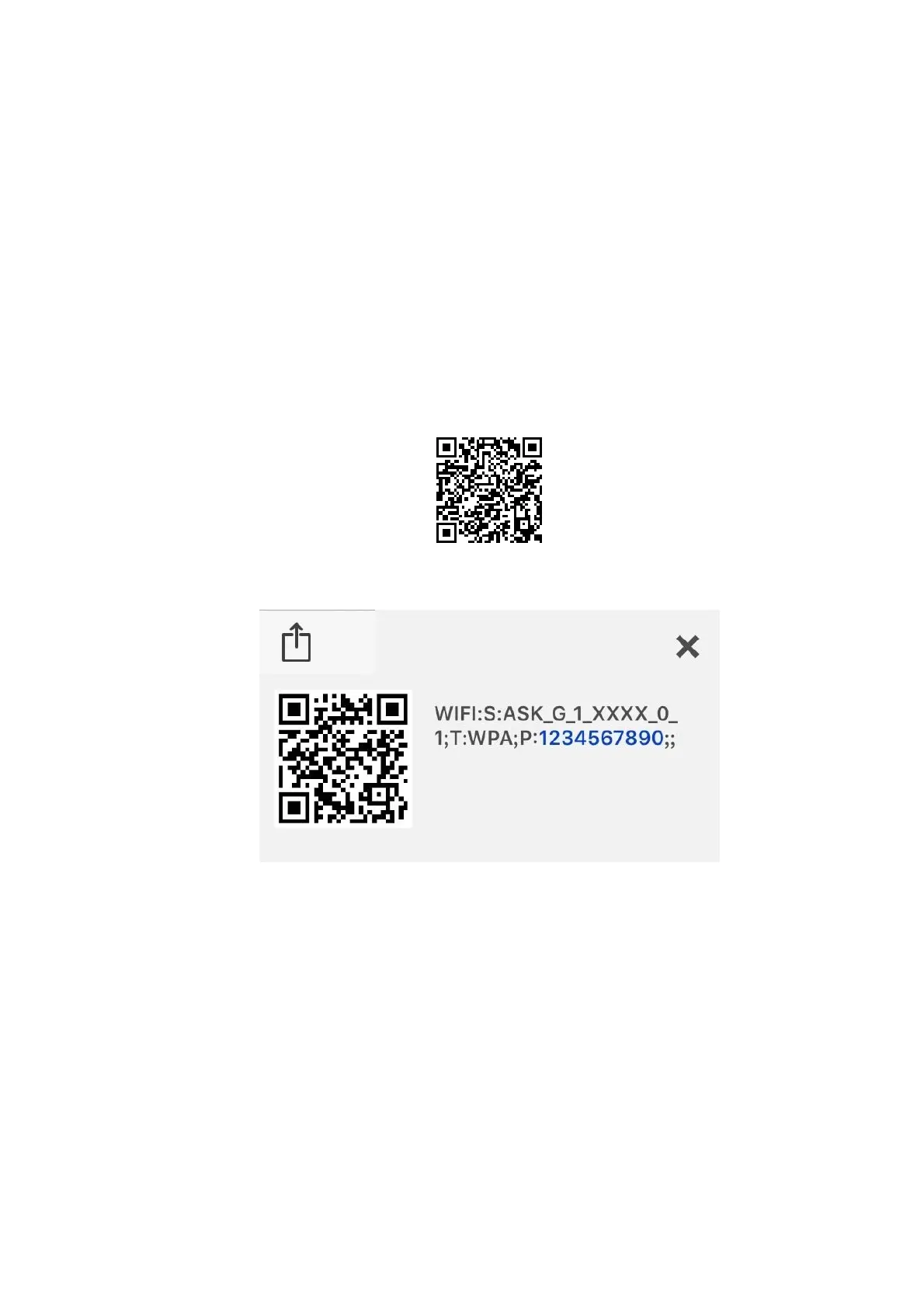
z QR Code: Use QR code scanning APP on the smartphone to get Wi-Fi Name (SSID), Wi-
Fi Protection and Network key.
Fig.2-10 Wi-Fi\General\QR Code
Fig.2-11 Wi-Fi\General\Scanning result
z WIFI: S (SSID): ASK_G_1_XXXX_0_1
z T (Wi-Fi Protection): WPA
z P (Network key): 1234567890


 To Next Page