16
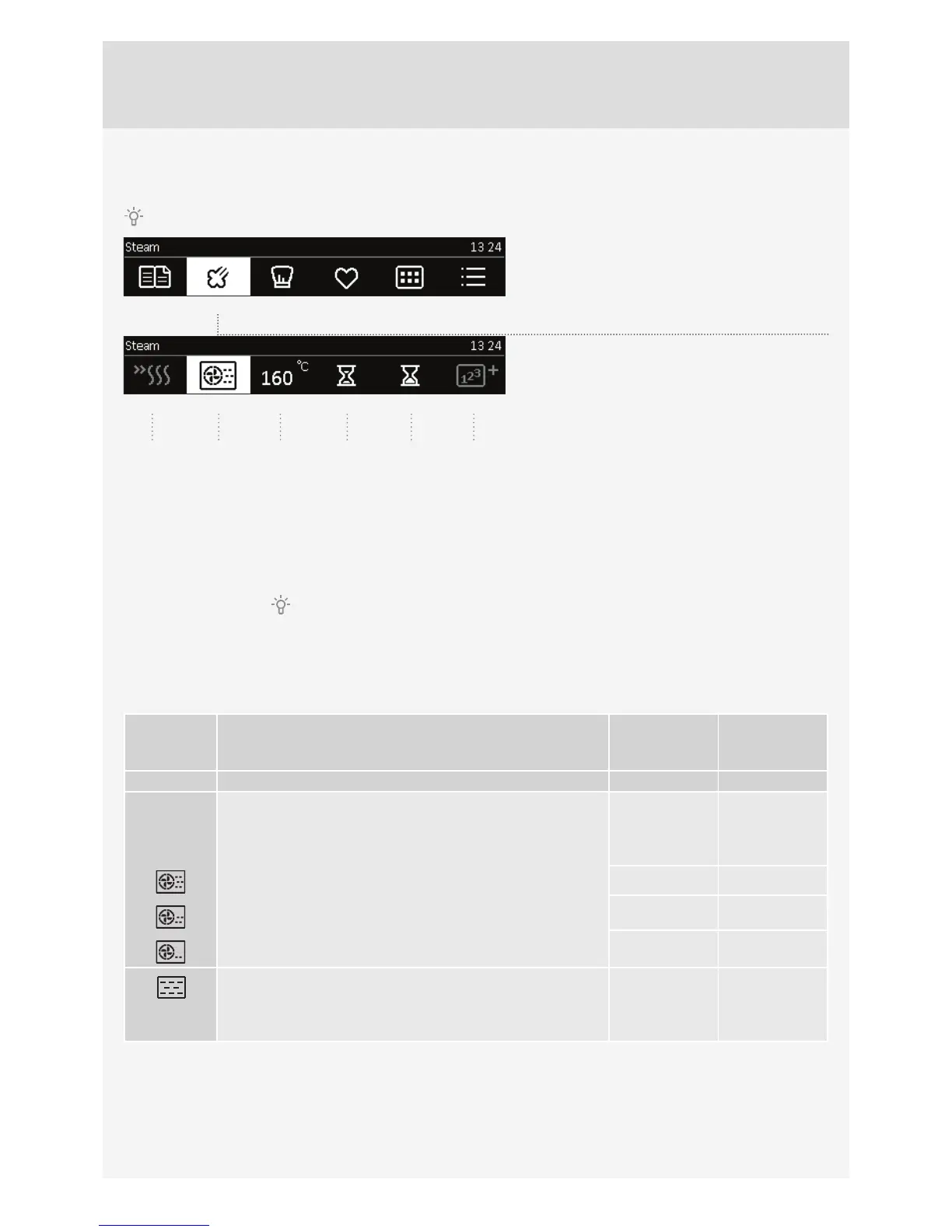
B) STEAM COOKING (quick access to steam programs)
Confi rm each setting by pressing the KNOB.
Rotate the KNOB and select Steam. Confi rm the
setting by pressing on the KNOB.
Select the settings by rotating the KNOB and
pressing it to confi rm.
1 Preheating
2 Hot air with steam
3 Oven temperature
4 Cooking duration
5 Delayed start
6 Step mode (see section STEP COOKING)
Use the preheat function
if you wish to heat the oven to the desired temperature as quickly as possible.
Fill the water tank with fresh water up to the MAX marking. Use the STEAM SET to cook vegetables, fi sh, meat, and
potatoes – when not cooking in a sauce. Place the steam set into the 2nd guide.
COOKING
SYSTEMS
DESCRIPTION
PRESET
TEMPERATURE
(°C)
MIN – MAX
TEMPERATURE
(°C)
COMBINED SYSTEMS / STEAM SYSTEM
HOT AIR WITH STEAM
Used for cooking and defrosting. They allow quick and effi cient
cooking without changing the colour or shape of the food. Three
options are available:
180
HIGH: cooking escalopes, steaks, and smaller chunks of meat 30 - 250
MEDIUM: reheating cool/frozen meals, cooking fi sh fi llets and
vegetables au gratin
30 - 250
LOW: cooking large chunks of meat (roast, whole chicken),
baking risen dough (bread and rolls), cooking lasagne etc.
30 - 250
STEAM
Use this for all types of meat, stews, vegetables, pies, cakes,
bread, and dishes au gratin (i.e. food that require longer cooking
time).
100 40 – 100
Touch the START key to start oven operation.
The symbol °C will fl ash on the display until the selected temperature is reached.
123456



 To Next Page