EN 6
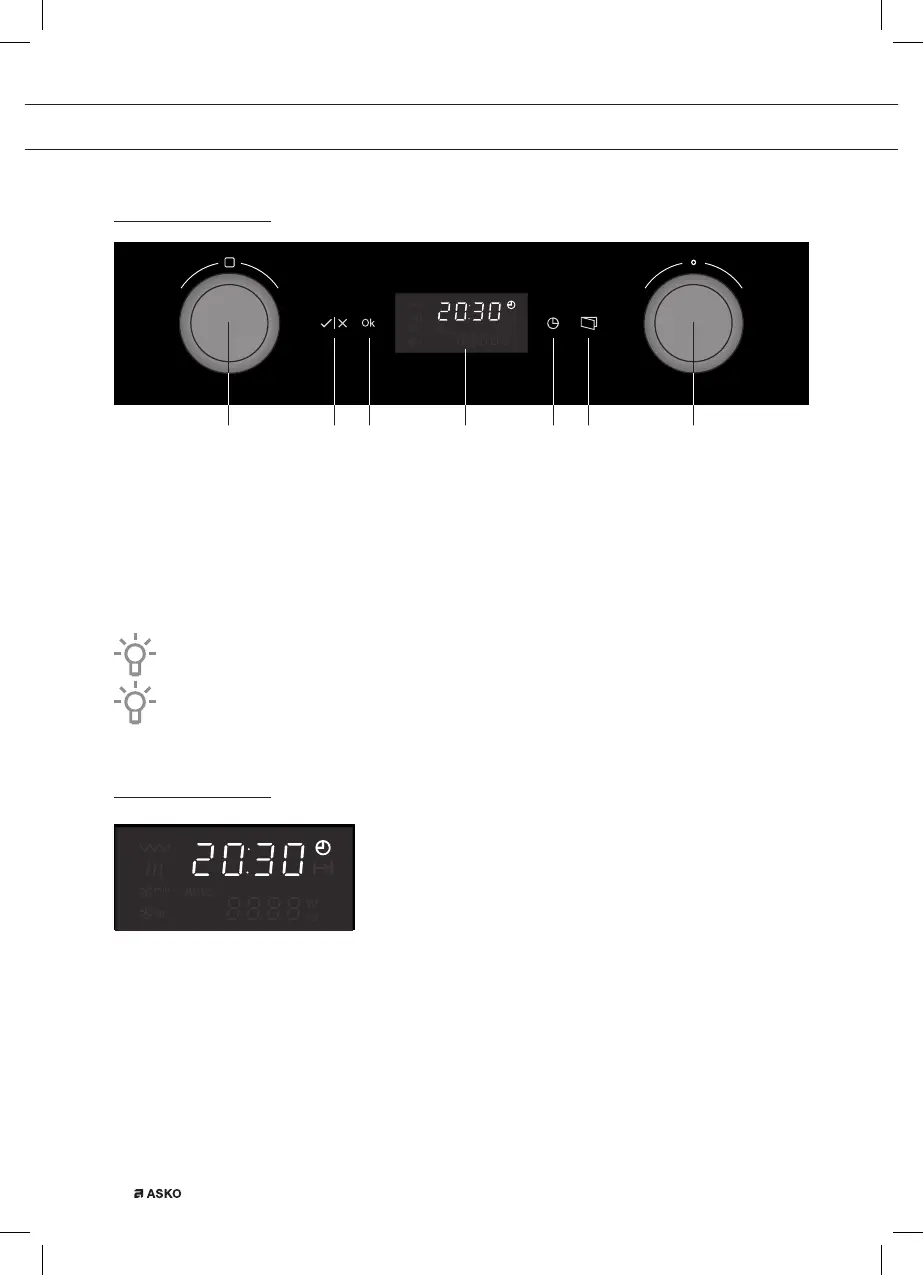
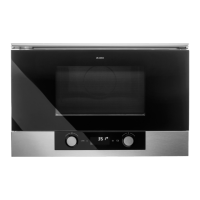
Control panel
1 765432
1. Function knob
2. Start key / Stop key
3. Ok key
4. Display
5. Timer key
6. Door release key
7. Selection knob
Push the knobs to let them come out of the control panel.
The keys respond best if you touch them shortly with a large area of your fingertip.
Display
The display shows:
• the time of the day if the appliance is not operating;
• the symbols and settings of the several functions if you turn the function knob;
• the symbols and settings of the chosen function when the appliance is in operation;
• the remaining operating time when the appliance is in operation;
• the end of a cooking process.
YOUR MICROWAVE OVEN


 To Next Page