96
English
Step 8
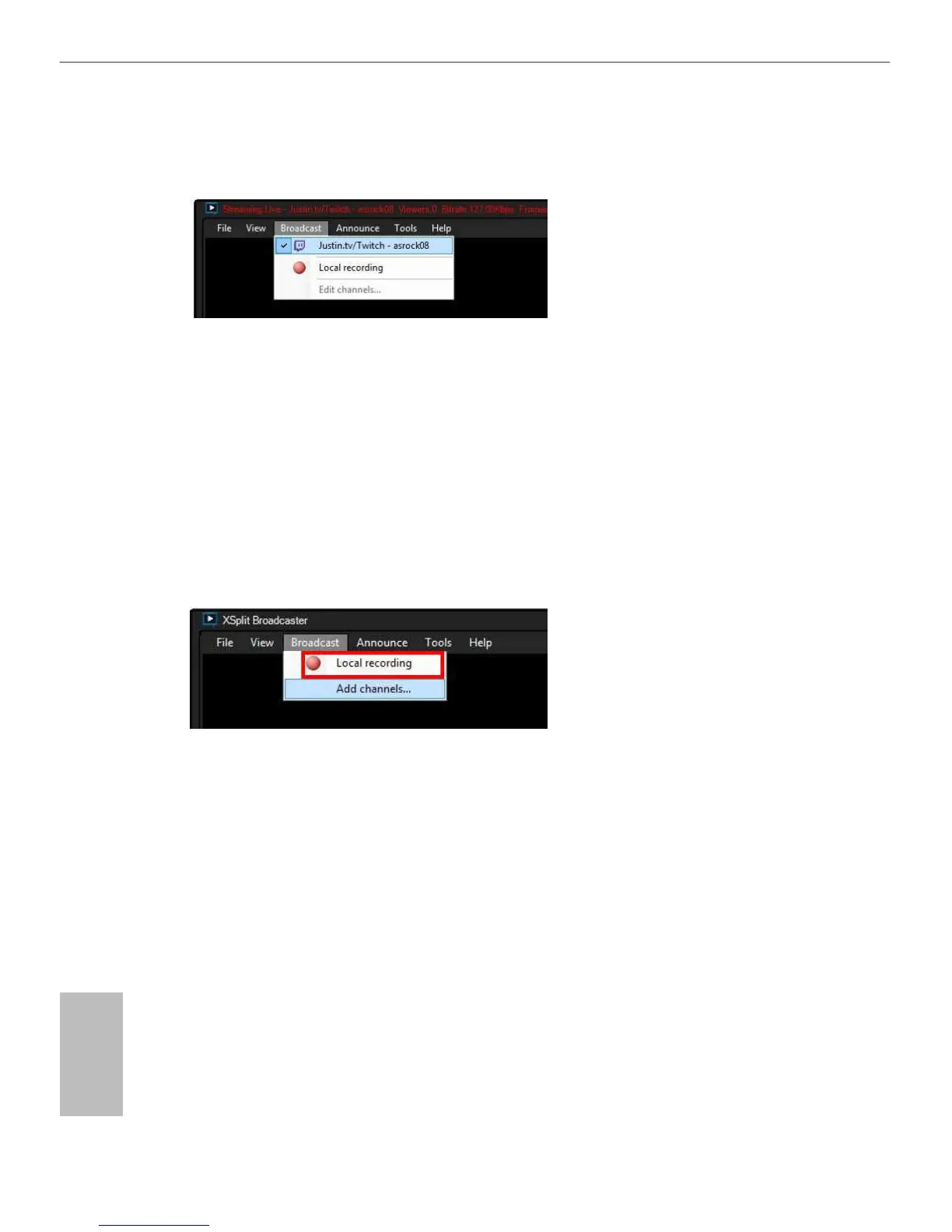
Go to and select the platform to enable live streaming.
A link to view your live Broadcast has been copied for you automatically. Simply
press CTRL-V or right click and choose Paste to paste the link into the browser, and
you can see your broadcast.
To disable live streaming, go to again and deselect the platform.
5.7.2 Recording Your Gameplay
Step 1
Go to to start recording.
Step 2
To stop recording, Go to again and deselect .
Step 3
Go to to access your recordings










 To Next Page