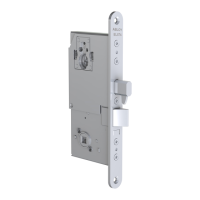
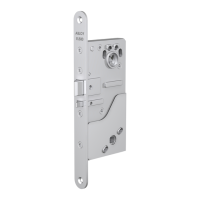
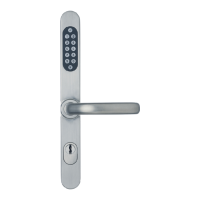
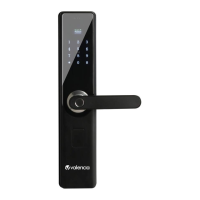
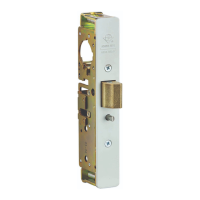
8800 Series Mortise Lock
Used with VN Escutcheon Trim and V Series Indicators
Installation Instructions
5
80-8800-0017-000 04/24
Copyright © 2023,2024 ASSA ABLOY ACCENTRA™ Access and Egress Hardware Group, Inc. All rights reserved. Reproduction in whole
or in part without the express written permission of ASSA ABLOY Access and Egress Hardware Group, Inc. is prohibited.
1-855-557-5078 Ext. 2 • www.accentra-assaabloy.com
4. Install Inside Trim
1. Verify lock is in unlocked state (turn outside lever to ensure).
2. Align inside escutcheon assembly and install onto inside door face (Figure 8).
NOTE: If indicator is used on inside, align indicator spindle with control hub.
3. Through-bolt inside escutcheon to outside escutcheon with two (2) #8-32 x 2-1/4" screws. Then tighten inside lever set screws.
5. Installation, continued
Figure 8
Inside Escutcheon
Assembly
Inside
Lever
Set Screw
#8-32 x
2-1/4" Screw
Plastic Bushing
#8-32 x
2-1/4" Screw



 To Next Page
 Loading...