10
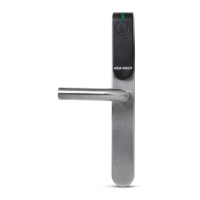
ENTR™ User Manual
• Turning the ENTR™ lock ON or OFF.
2.3.1 Turning ENTR™ ON
Before turning ENTR™ ON, verify that the door is shut.
• Move the switch to the ON
Make sure that
the knob is in the zero (see
• and numeric will blink all once.
• Hazard beep sound will be and error
will blink once.
• ENTR™ is now in
mode.
Note:
•
turning ENTR™ ON, avoid touching the front
panel beep sound ends.
• turning ENTR™ ON, the door will be shut but
not locked.
2.3.2 Turning ENTR™ OFF
• Move the switch to the OFF
red signal rapidly blinking and 2 long beeps will
be during every lock/unlock
that the is low and needs to be charged.
2.3 ON/OFF Switch
OFFON
•
Zero



 To Next Page
 Loading...