28
ENTR™ User Manual
Touch Fingerprint Reader screen.
2 short beeps
Press [OK] for YES or [
*
] to cancel.
5
PAIR LOCK?
*-NO OK-YES
6.4 Pairing Fingerprint Reader
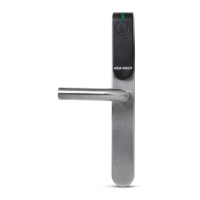
This procedure is done via the ENTR™ lock.
See also: Pairing Touchpad Reader.
Press [Add].
2
Touch ENTR™ lock screen with palm
or for 3 seconds to
1
Numeric illuminated.
Type [PIN Code] [#].
Numeric blinking.
3
4
Press [1] to add the Reader.
Illuminated turn
[OK] blinks for 15
seconds for the reader.
Pairing OK Pairing failed
[OK] blinks once.
2 short beeps
Fingerprint Reader added.
FAILED
PAIR
LOCK
PAIR
1 long beep
Red LED illuminated for 2 seconds.
NO USERS
Note: At the end of the pairing process,
a short will be displayed.



 To Next Page
 Loading...