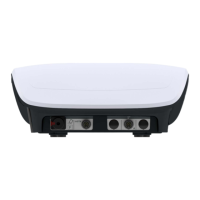
3. Device installation and start-up
PHG 300A / 301A User Manual Page 12 of 40
• Keys sound
• Sound during treatment
• End of treatment sound
• Warning sounds
• Initial sound
In order to set the appropriate option, select or clear the selection field by its pressing.
3.2.3.3 Volume
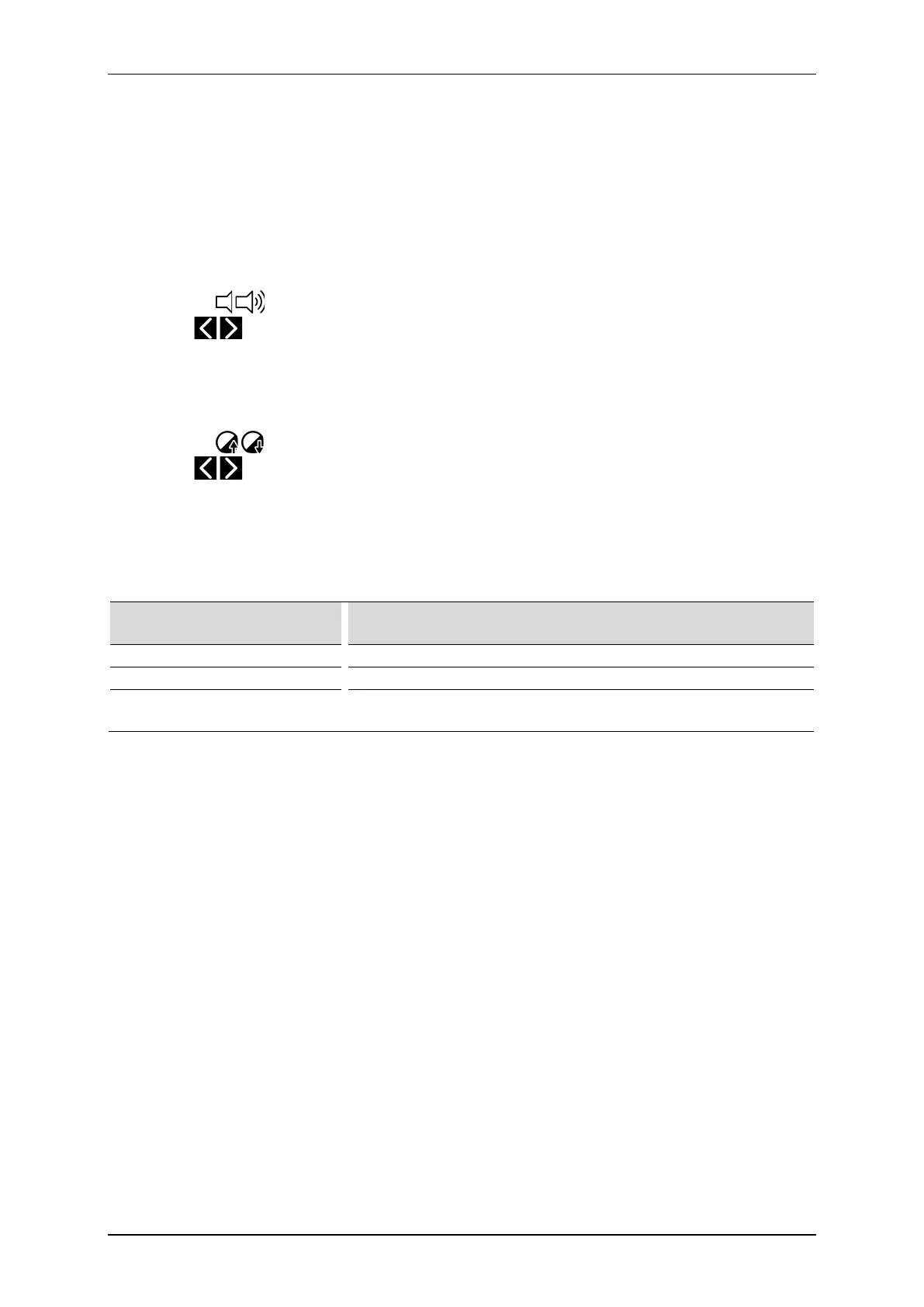
The user may adjust sound volume level. To perform this action:
• press the volume bar at desired place, or
• use buttons on the screen, or
• use keys
3.2.3.4 Display
The user may adjust display brightness level. To perform this action:
• press the value bar at desired place, or
• use buttons on the screen, or
• use keys
3.2.4 Functional settings
3.2.4.1 Channel operation mode selection
This function allows the user to set preferred style of unit operation.
Option Explanation
Manual mode – automatically
After therapy selection, the unit is set in manual mode operation.
Program mode – automatically
After therapy selection, the unit is set in program mode operation.
Mode selection pop-up
After therapy selection, the unit displays a window with a list of
operation mode selection options.
In order to set the appropriate option, select or clear the selection field by its pressing.
3.2.4.2 Program groups / medical fields
This function allows the user to set filters of available program mode options according to the preferred program
groups or medical fields. In order to set the appropriate option, select or clear the selection field by its pressing.
For program groups, the following options are available:
• Preset programs
• Preset sequences – only for electrotherapy
• User programs
• User sequences – only for electrotherapy
• I/t curve – only for electrotherapy, channel A
For medical fields, instead of the preset treatment programs and sequences the following options classified by
medical nomenclature are available:
• Orthopedics
• Sports medicine
• Aesthetic medicine
• Rheumatology
• Neurology
• Urology
• Dermatology
• Angiology



 To Next Page