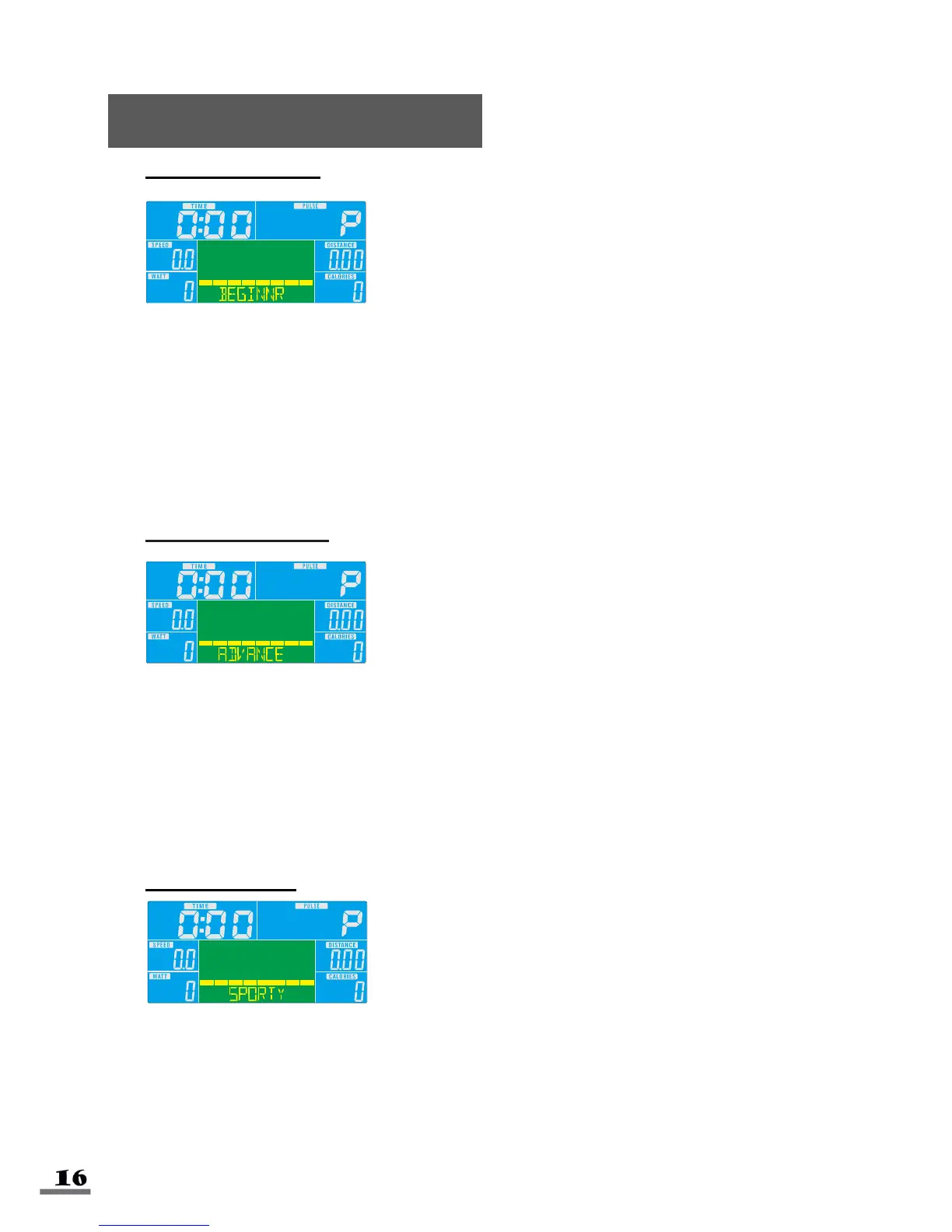
BEGINNER MODE
1. Turn the control knob +UP or -DOWN to select workout program, choose Beginner
mode and press Enter to confirm. (Beginner Mode contains four levels, 1-4).
2. Turn the control knob +UP or -DOWN to preset TIME. Press enter to confirm.
3. Press START/STOP key to start workout. Turn the control knob +UP or -DOWN to
increase or decrease the load level.
4. Press START/STOP key to stop workout. Press RESET to return to the main
menu.
ADVANCED MODE
1. Turn the control knob +UP or -DOWN to select workout program, choose Advance
Mode and press Enter to confirm. (Advance Mode contains four levels, 1-4).
2. Turn the control knob +UP or -DOWN to preset TIME. Press enter to confirm.
3. Press START/STOP key to start workout. Turn the control knob +UP or -DOWN to
increase or decrease the load level.
4. Press START/STOP key to stop workout. Press RESET to return to the main
menu.
SPORTY MODE
1. Turn the control knob +UP or -DOWN to select workout program, choose Sporty
mode and press Enter to confirm. (Sporty Mode contains four levels, 1-4).
2. Turn the control knob +UP or -DOWN to preset TIME. Press enter to confirm.
3. Press START/STOP key to start workout. Turn the control knob +UP or -DOWN to
increase or decrease the load level.
4. Press START/STOP key to stop workout. Press RESET to return to the main
menu.



 To Next Page