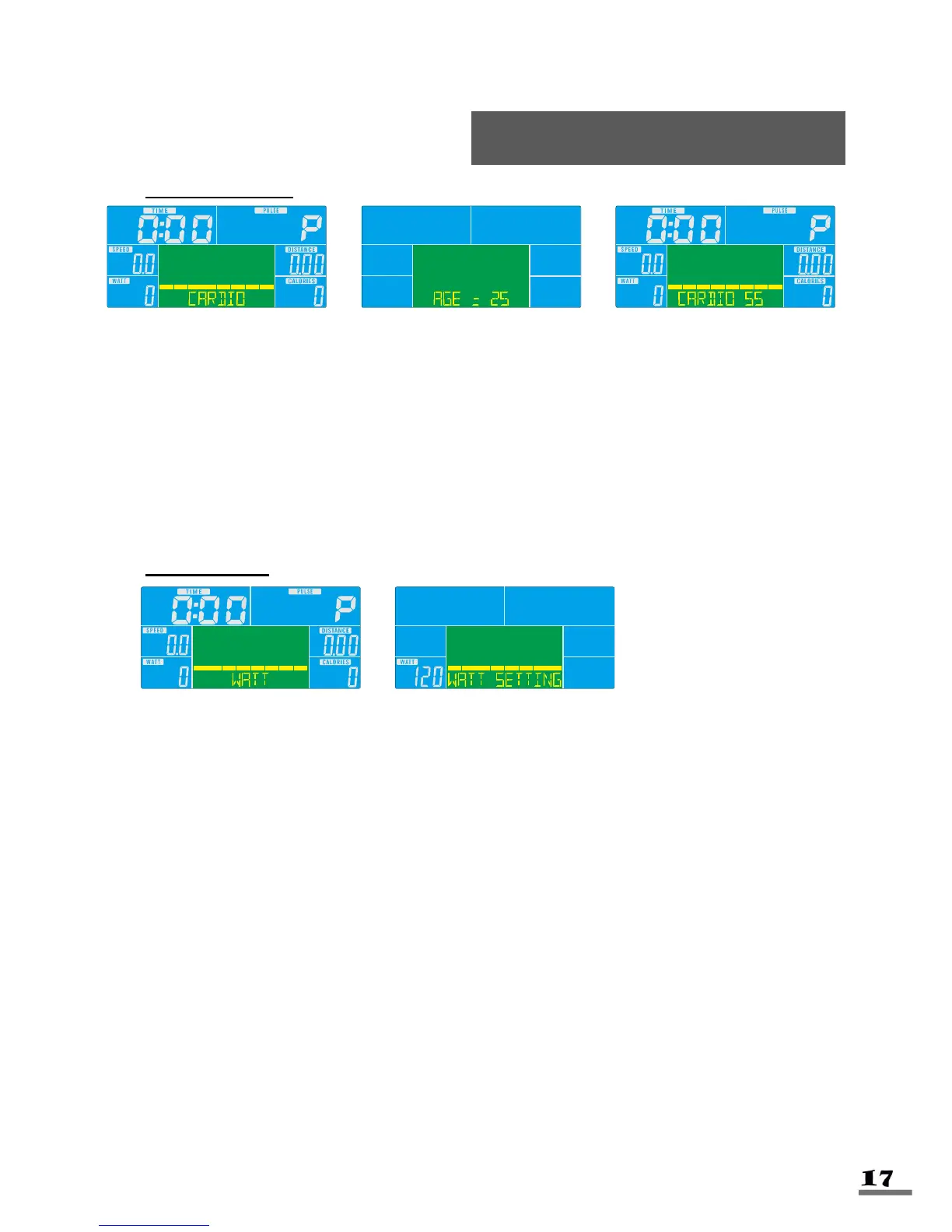
CARDIO MODE
1. Turn the control knob +UP or -DOWN to select workout program, choose H.R.C.
and press Enter to confirm.
2. Turn the control knob +UP or -Down to select 55%.75%.90% or TAG (TARGET
H.R.), press enter to confirm. (The default setting is 100%).
3. Turn the control knob +UP or -DOWN to preset workout TIME. Press enter to
confirm.
4. Press START/STOP key to start or stop workout. Press RESET to return to the
main menu.
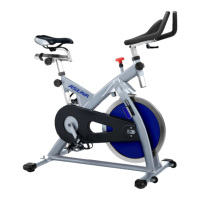
WATT MODE
1. Turn the control knob +UP or -DOWN to select workout program, choose WATT
and press Enter to confirm.
2. Turn the control knob +UP or -DOWN to preset WATT target. Press enter to
confirm. (The default setting is 120).
3. Turn the control knob +UP or -DOWN to preset TIME. Press enter to confirm.
4. Press START/STOP key to start workout. Turn the control knob +UP or -DOWN to
adjust Watt level. Press enter to confirm.
5. Press START/STOP key to stop workout. Press RESET to return to the main
menu.



 To Next Page