ASUS Eee PC
1-11
Keyboard Usage
Special Function Keys
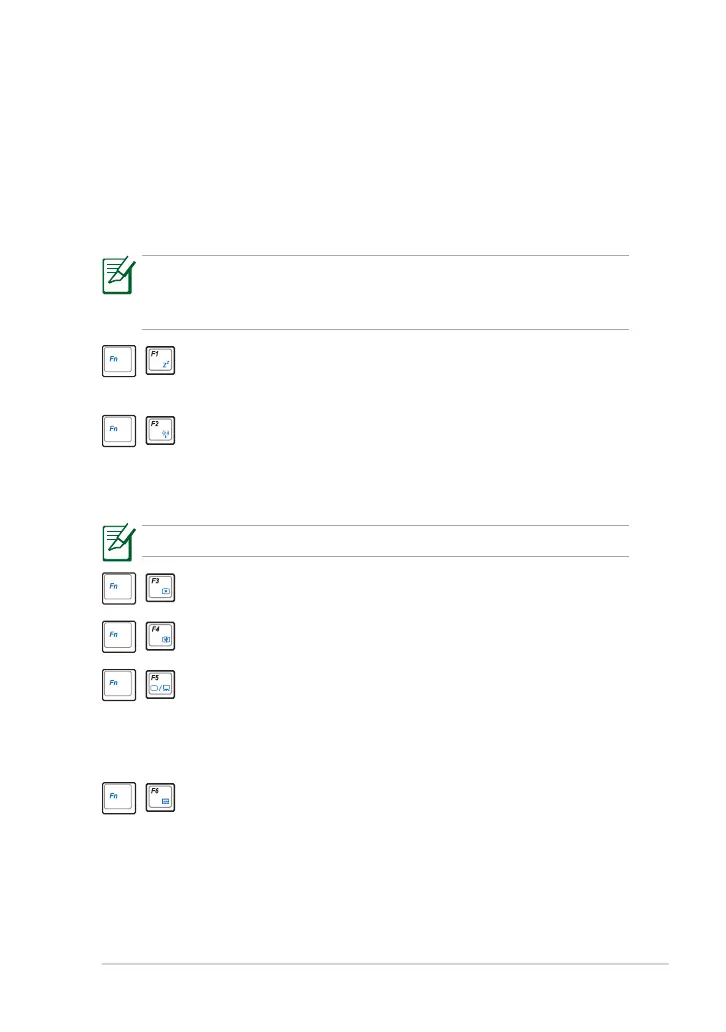
The following defines the colored hot keys on the Eee PC’s keyboard. The
colored commands can only be accessed by first pressing and holding the
function key while pressing a key with a colored command. Some function
icons appear in the Notification area after activation.
Z
z
Icon (F1): Places the Eee PC in suspend mode
(Save-to-RAM).
Radio Tower (F2): Wireless Models Only: Toggles the
internal wireless LAN or Bluetooth (on selected models) ON
or OFF with an on-screen-display. When enabled, the
corresponding wireless indicator will light.
The default setting is WLAN ON / Bluetooth OFF.
Sun Down Icon (F3): Decreases the display brightness.
Sun Up Icon (F4): Increases the display brightness.
LCD/Monitor Icons (F5): Toggles between the Eee PC’s
LCD display and an external monitor in this series: LCD Only
-> CRT Only (External Monitor) -> LCD + CRT Clone ->
LCD + CRT Extended.
Task Manager Icon (F6): Initiates the Task Manager to view
the application process or terminates applications.
The Hot Key locations on the function keys may vary depending on
model but the functions should remain the same. Follow the icons
whenever your hot key locations do not match the manual.



 To Next Page