Chapter 2: Getting Started
2-12
Browsing web pages
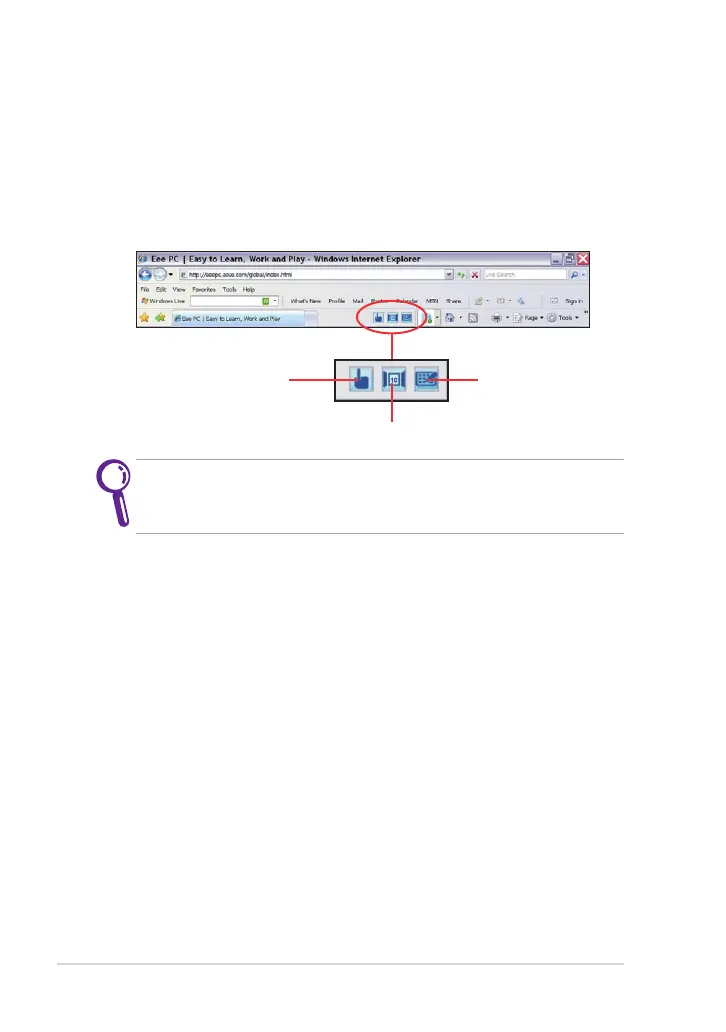
After you finish the network setup, click Internet Explorer on the desktop
and start enjoying net surfing. Some useful touch screen tools are
provided for easy web-surfing experience.
Visit our Eee PC homepage at http://eeepc.asus.com to obtain the
latest information and register at http://vip.asus.com for full service
of your Eee PC.
Click to launch
Handwriting/Keyboard
Click to switch between different browser windows
Click to launch the web
page zooming bar



 To Next Page