English
22
All-in-One PC ET2020 Series
Chapter 2: Using your All-in-One PC
Positioning your All-in-One PC
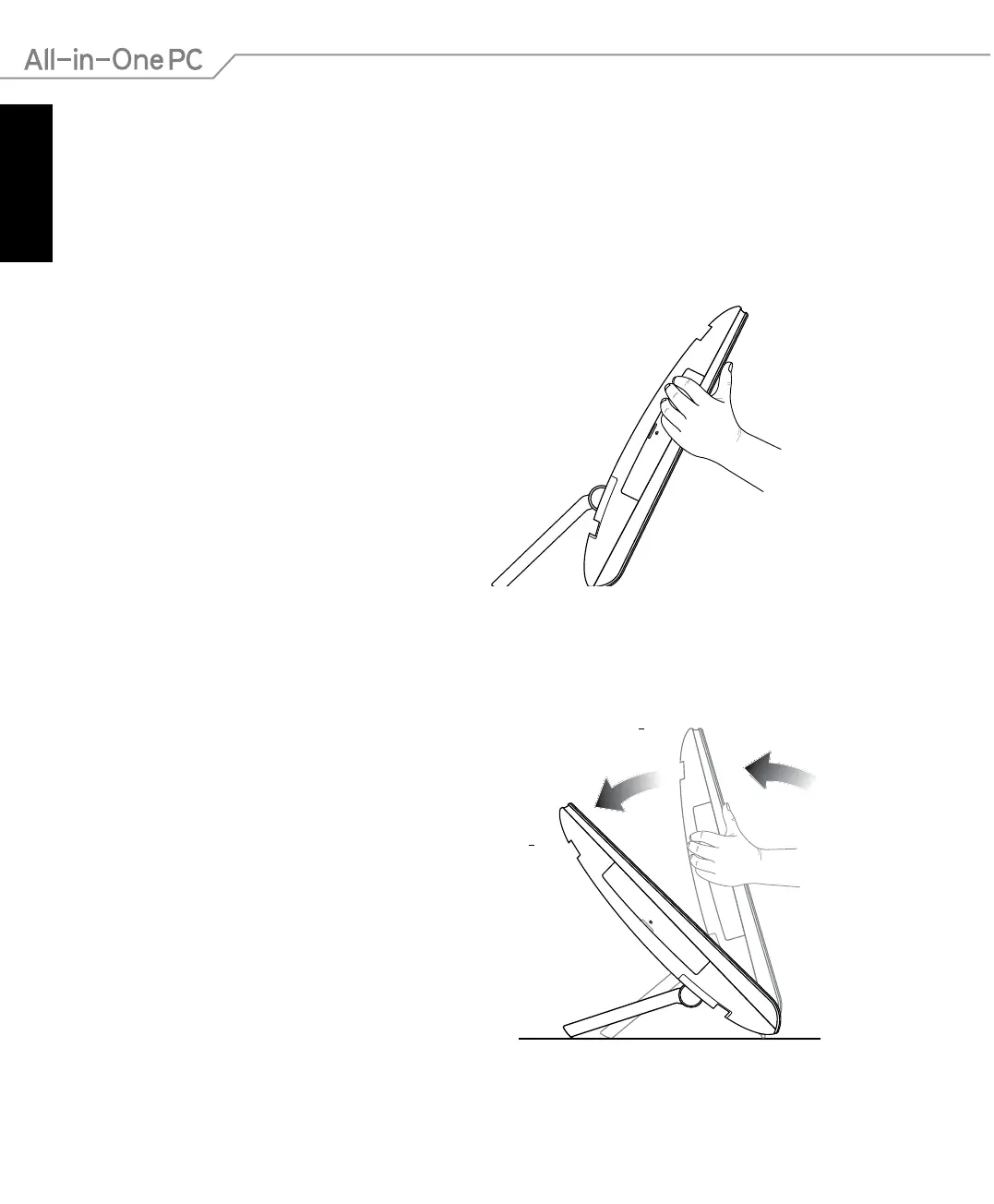
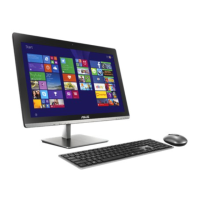
1. Pull out the stand at the back of the All-
in-One PC then place the device on a at
stable surface.
2. Gently push the display panel until the
hinge makes a click sound. You need to
push the display panel up to a 45º angle
to ensure that your All-in-One PC can
stand upright in a stable position.



 To Next Page