English
32
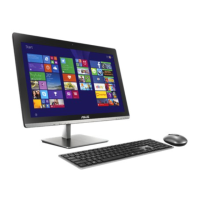
All-in-One PC ET2020 Series
Starting for the rst time (For Windows
®
8 and
Windows
®
8 Professional)
When you start your computer for the rst time, a series of screens appear to guide you in
conguring the basic settings of your Windows
®
8 operating system.
To start for the rst time:
1. Press the power button on your All-in-One PC. Wait for a few minutes until the setup
screen appears.
2. Select a language to use on your All-in-One PC.
3. Carefully read the License Terms. Tick
I accept the terms for using Windows then click
Accept.
4. Follow the onscreen instructions to congure the following basic items:
• Personalize
• Wireless
• Settings
• Sign in to your PC
5. Once you are done conguring the basic items, a Windows®8 tutorial appears. Watch this
to learn more about Windows®8 functionalities.
6. The Start screen appears after successfully signing in to your user account.
Windows
®
8 lock screen
The Windows®8 lock screen may appear when your All-in-One PC enters the Windows®8
operating system. To proceed, tap on the lock screen or press any key on your All-in-One PC's
keyboard.



 To Next Page