22
Removing memory card
CAUTION!
• Beextracarefulwhenhandlingamemorycard.ASUSisnotresponsibleforanydatalossordamageincurredto
your memory card.
• Ejectthememorycardproperlytosafelyremoveitfromdevice.Toejectthememorycard,gotoHome > All
Apps > Settings > Storage > Unmount external storage.
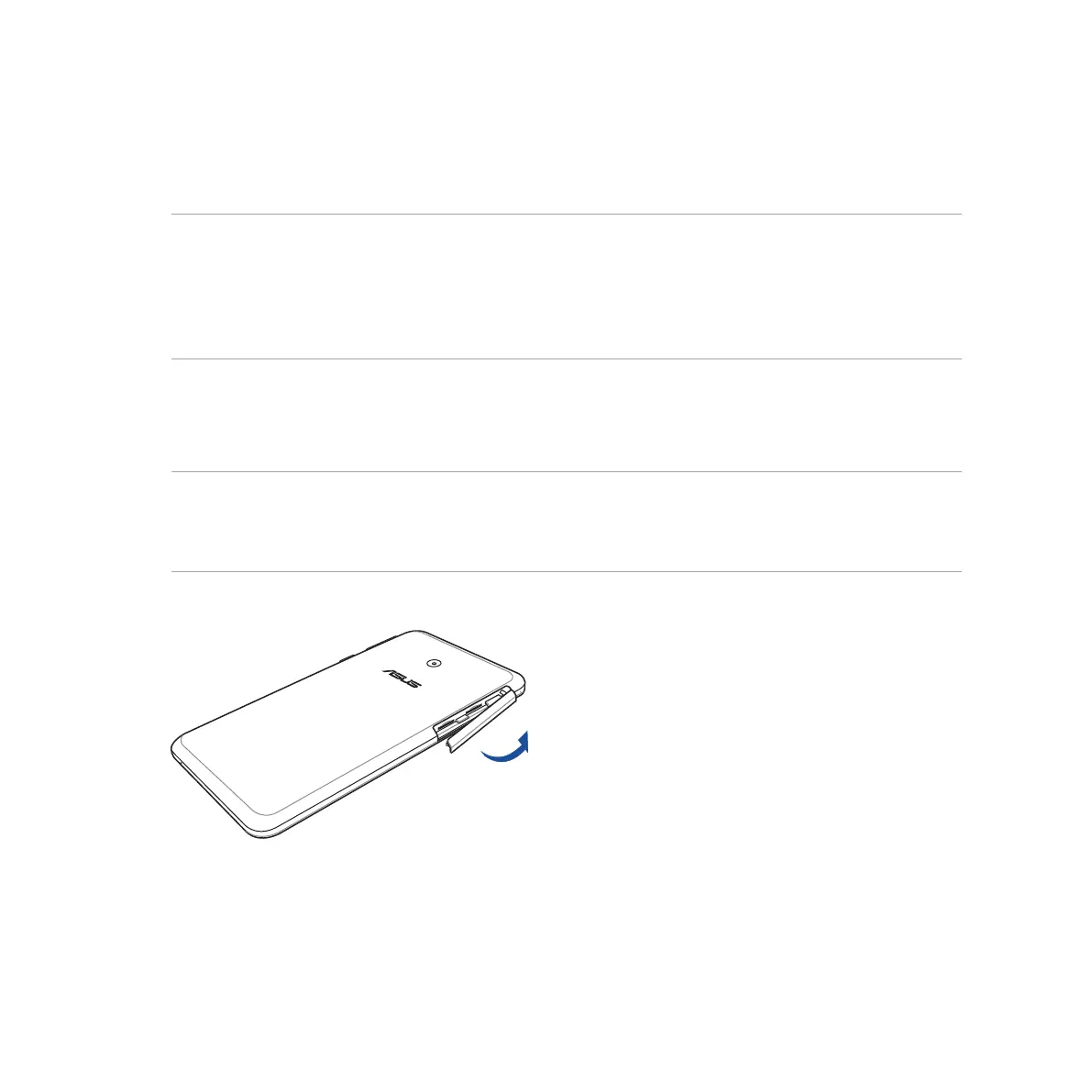
To remove a memory card:
1. Orient your device as shown, then open the micro-SIM/memory card compartment.
CAUTION!
• Becarefulnottodamagethecompartmentcoverorinjureyourfingernailswhenyouremovethecover.
• Donotforciblyremove,shear,ordistortthemicro-SIM/memorycardcompartmentcover.



 To Next Page