47
Connecting your Fonepad to your computer
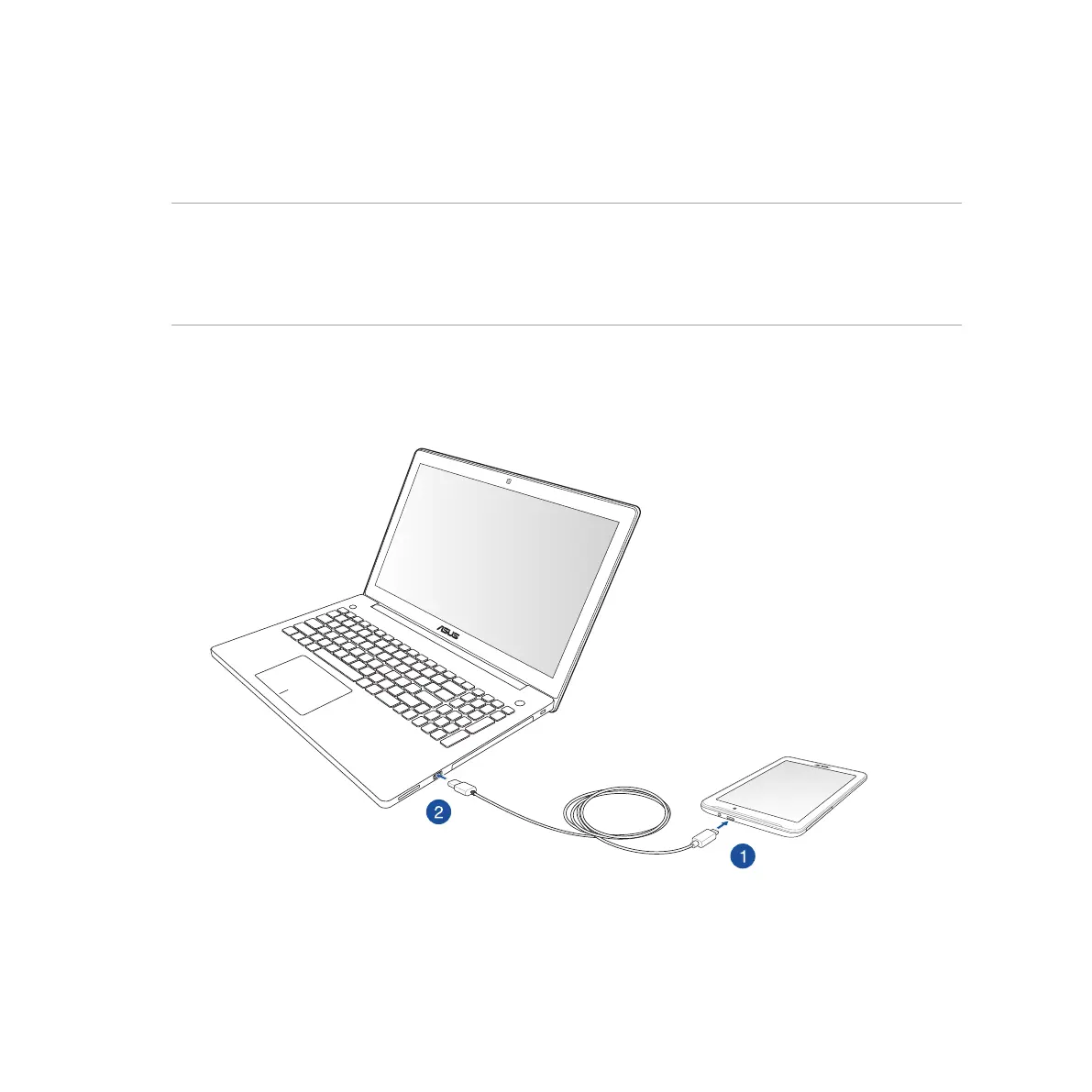
Connect your Fonepad to your computer’s USB port to charge it or transfer files between devices.
NOTES:
• ChargingthroughaUSBportofacomputermaytakelongertimetocomplete.
• IfyourcomputerdoesnotprovideenoughpowerforchargingtheFonepad,chargeyourFonepadviathe
grounded power outlet instead.
Connecting with your notebook



 To Next Page