50
Managing contacts
Add, import, or export your contacts from your SIM or email accounts to your Fonepad and vice-versa.
Adding contacts
To add contacts:
1. Tap Contacts app then tap Create a new contact.
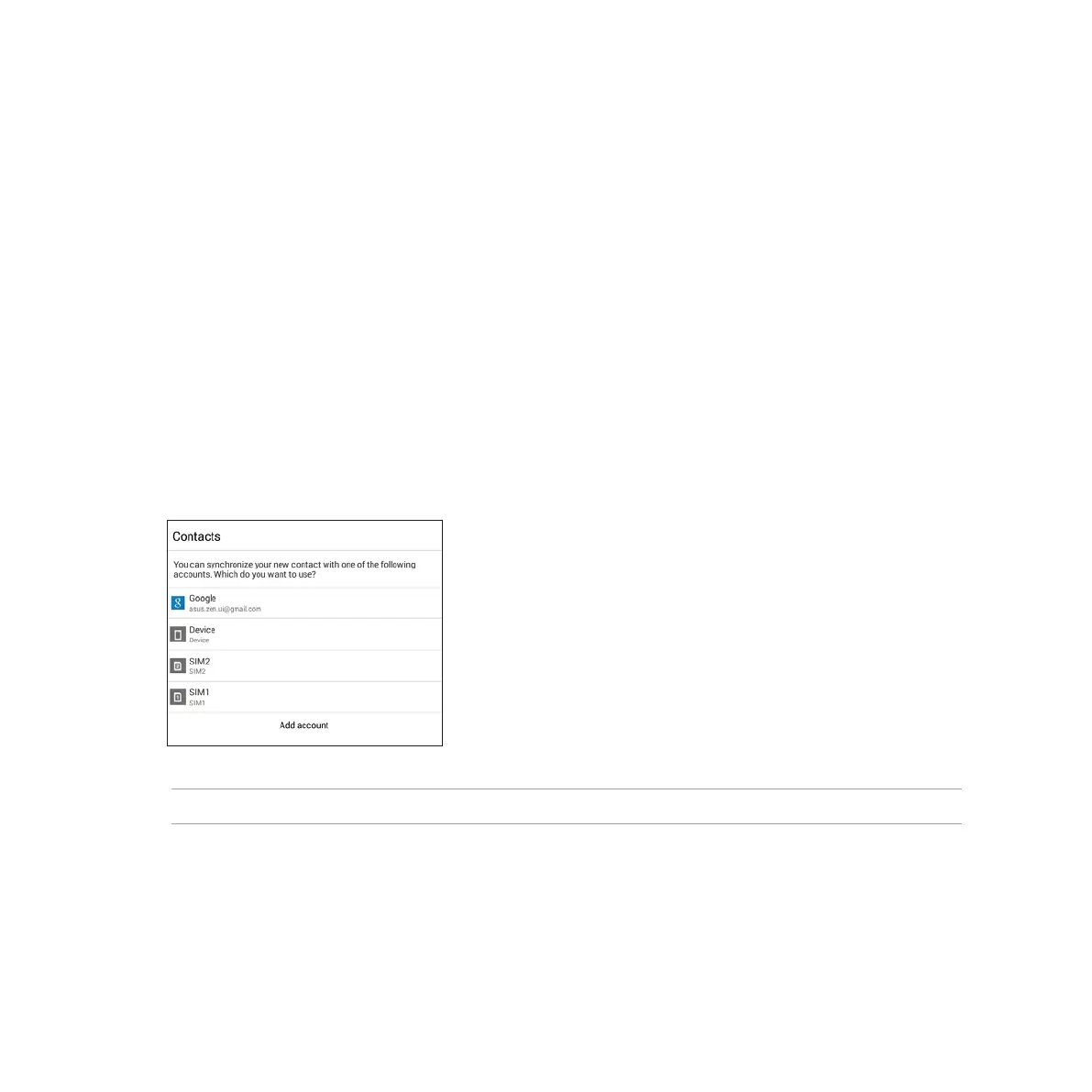
2. On the Contacts screen, select the account that you want to save your contact:
a. Device
b. SIM card storage (SIM1 or SIM2)
c. E-mail account
NOTE: If you don't have an e-mail account, tap Add account then create one.
3. Follow the succeeding onscreen instructions to add and save the new contact.



 To Next Page