42
ASUS keyboard settings
Create SMS messages, emails, and log-in passwords using your Fonepad’s touch keyboard.
To access the ASUS keyboard settings:
1. Launch Quick settings then tap .
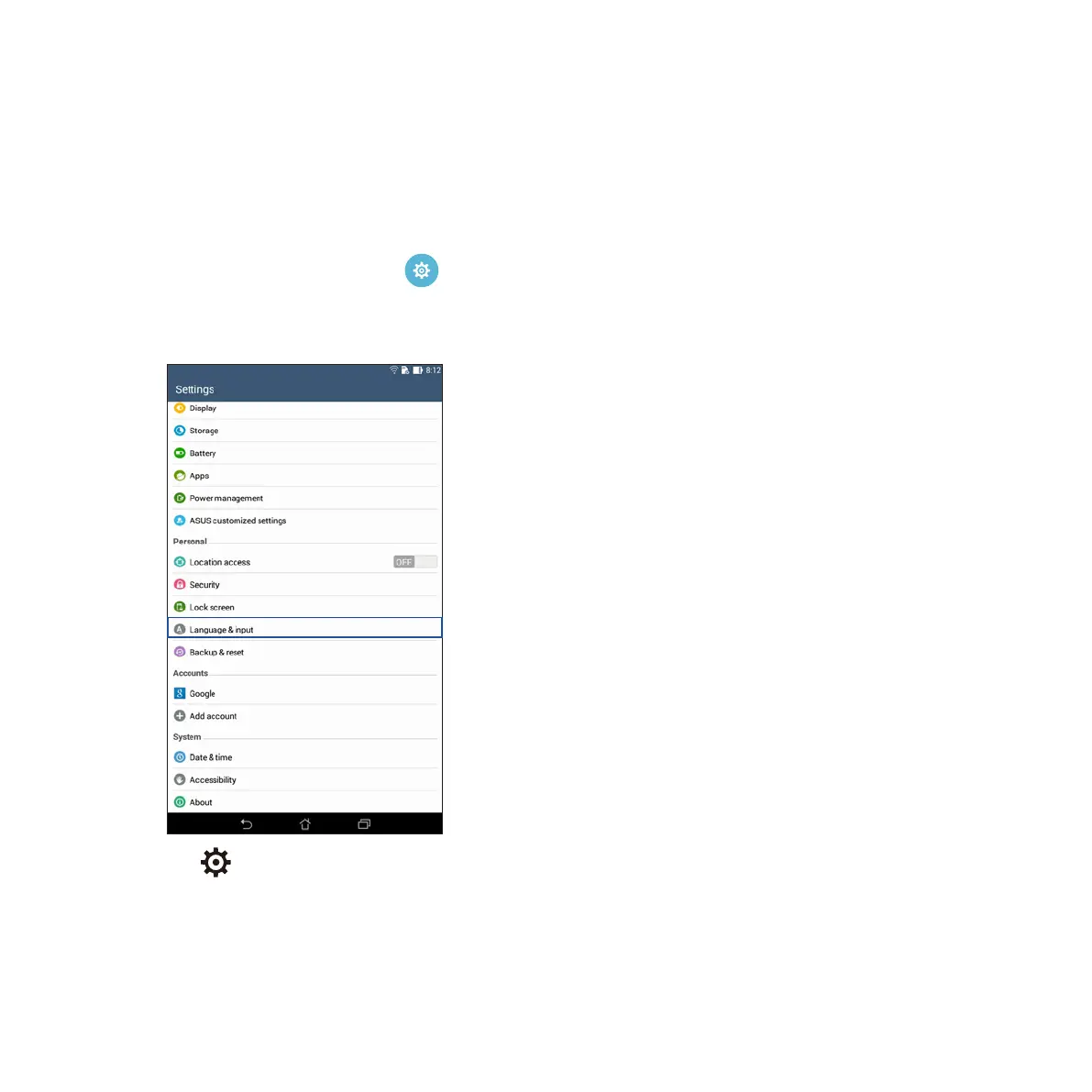
2. Scroll down the Settings screen and select Language & input.
3. Tap beside ASUS keyboard settings.
4. Configure the settings according to your personal preferences.



 To Next Page