93
Viewing files from other source locations
By default, your Gallery displays all the files on your Fonepad according to their album folders.
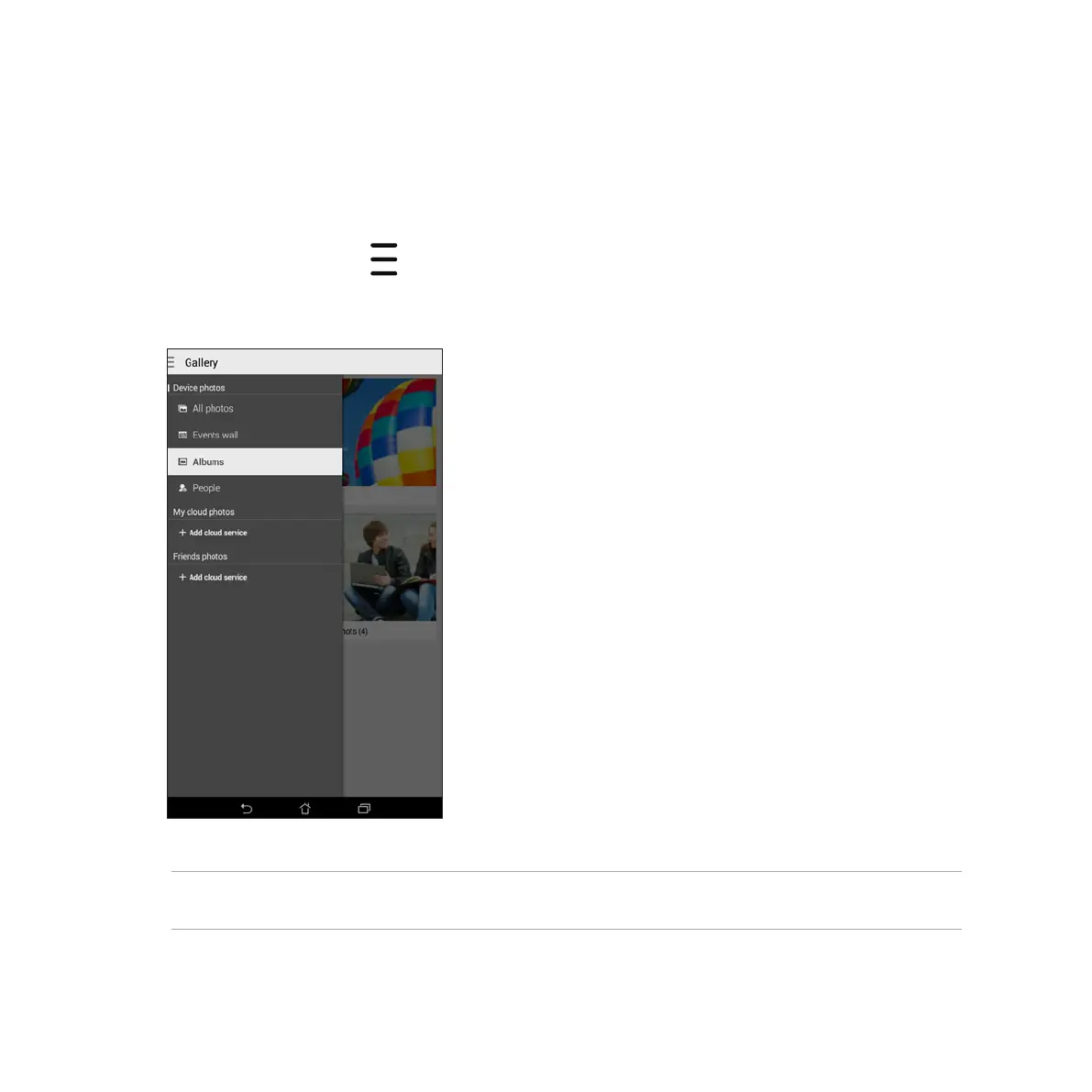
To view files from other locations accessible via your Fonepad:
1. From the main screen, tap .
2. Tap any of the following source locations to view their respective files.
IMPORTANT! Internet connection is required for viewing photos and videos under My cloud photos and Friends
photos.



 To Next Page