88
Party Link
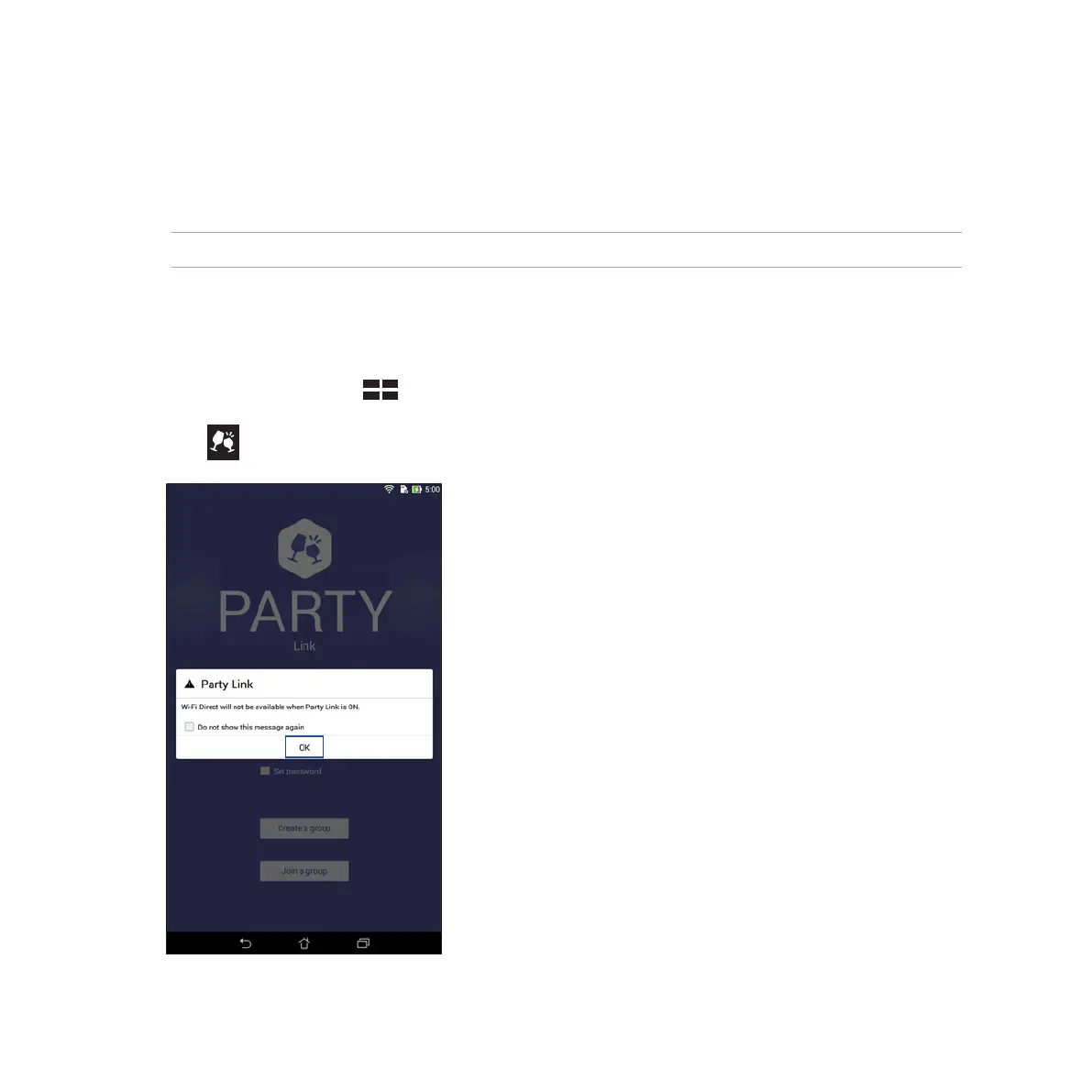
Enable Party Link and share photos in real-time either by creating a group or joining an existing group. Send
and receive freshly captured images among friends, even without internet connection, using this Zen feature.
IMPORTANT! This feature is only available with devices that also have Party Link.
Sharing photos
To share photos captured straight from your Fonepad’s camera:
1. Launch Camera then tap .
2. Tap > OK.



 To Next Page