92
Using the Gallery
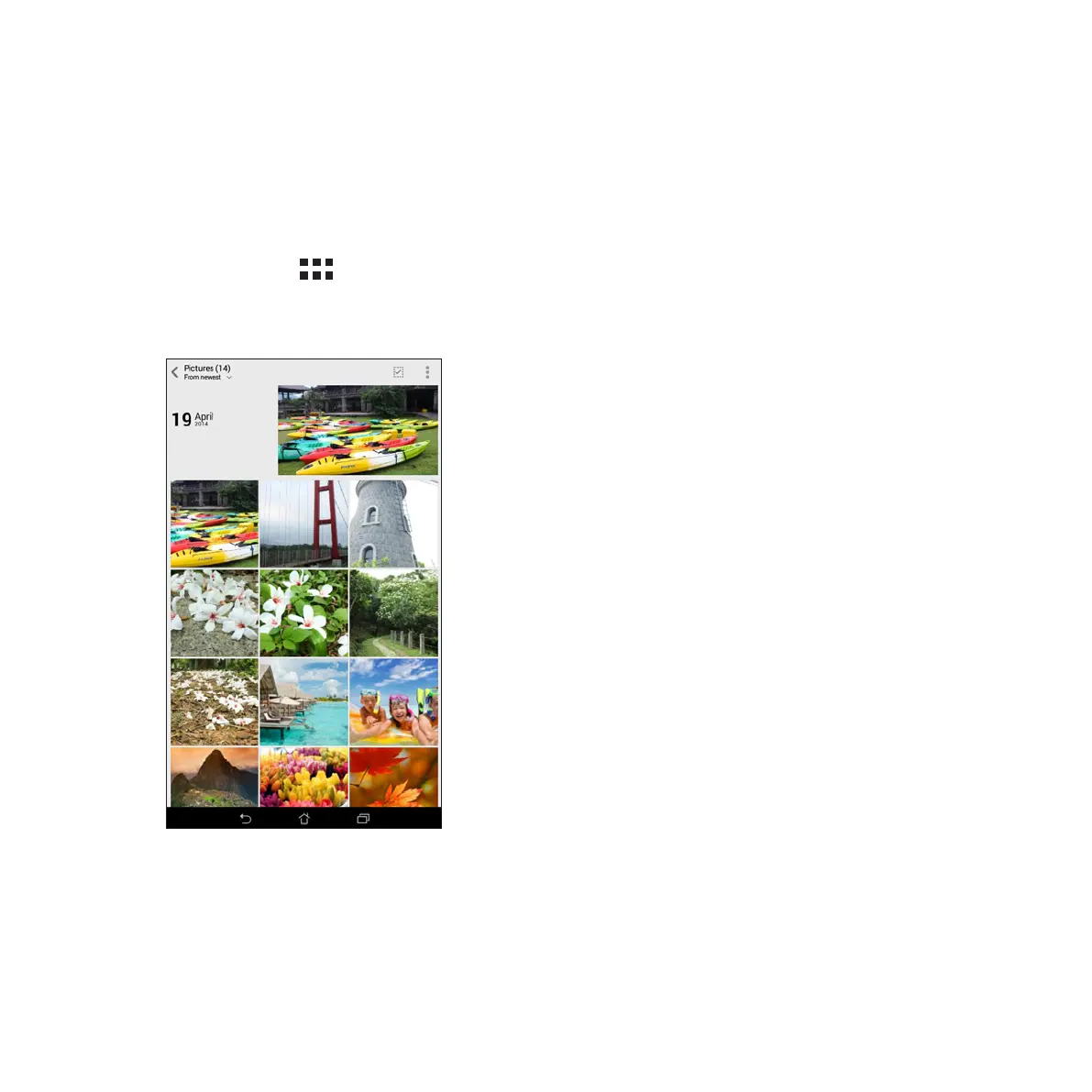
View images and play videos on your Fonepad using the Gallery app.
This app also allows you to edit, share, or delete image and video files stored in your Fonepad. From Gallery,
you can display images in a slideshow or tap to view the selected image or video file.
To launch Gallery, tap > Gallery.
Main screen



 To Next Page