65
Using Omlet chat
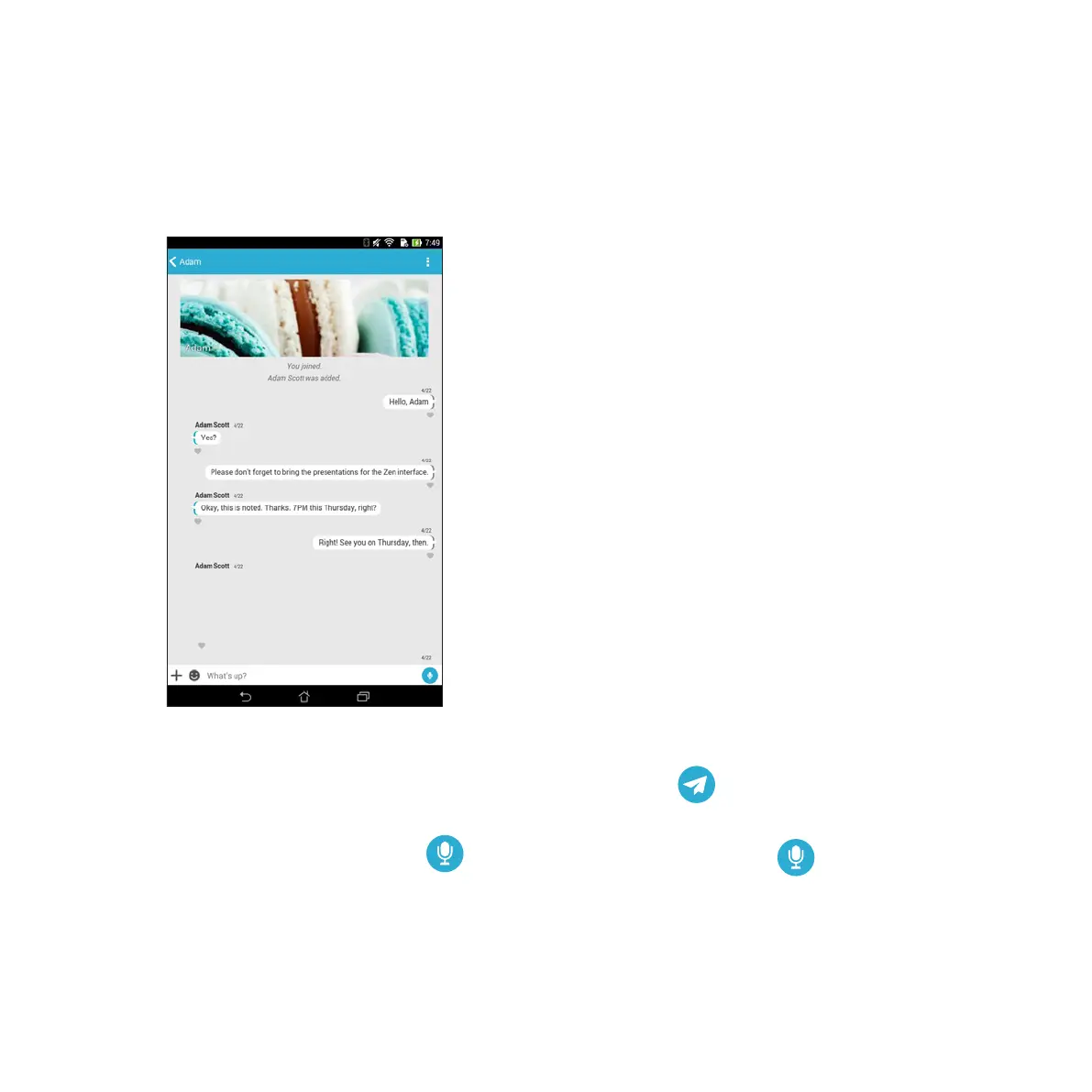
Send text and multimedia messages for a fun, creative, and interactive conversation.
To start conversation, tap Contacts from the Omlet Chat menu then tap the contact name.
Sending a chat message
To send a chat message, key in your message in What’s up field then tap .
Sending a voice message
To send a voice message, tap and hold while saying your message then release to send.



 To Next Page