54
Dialing a phone number
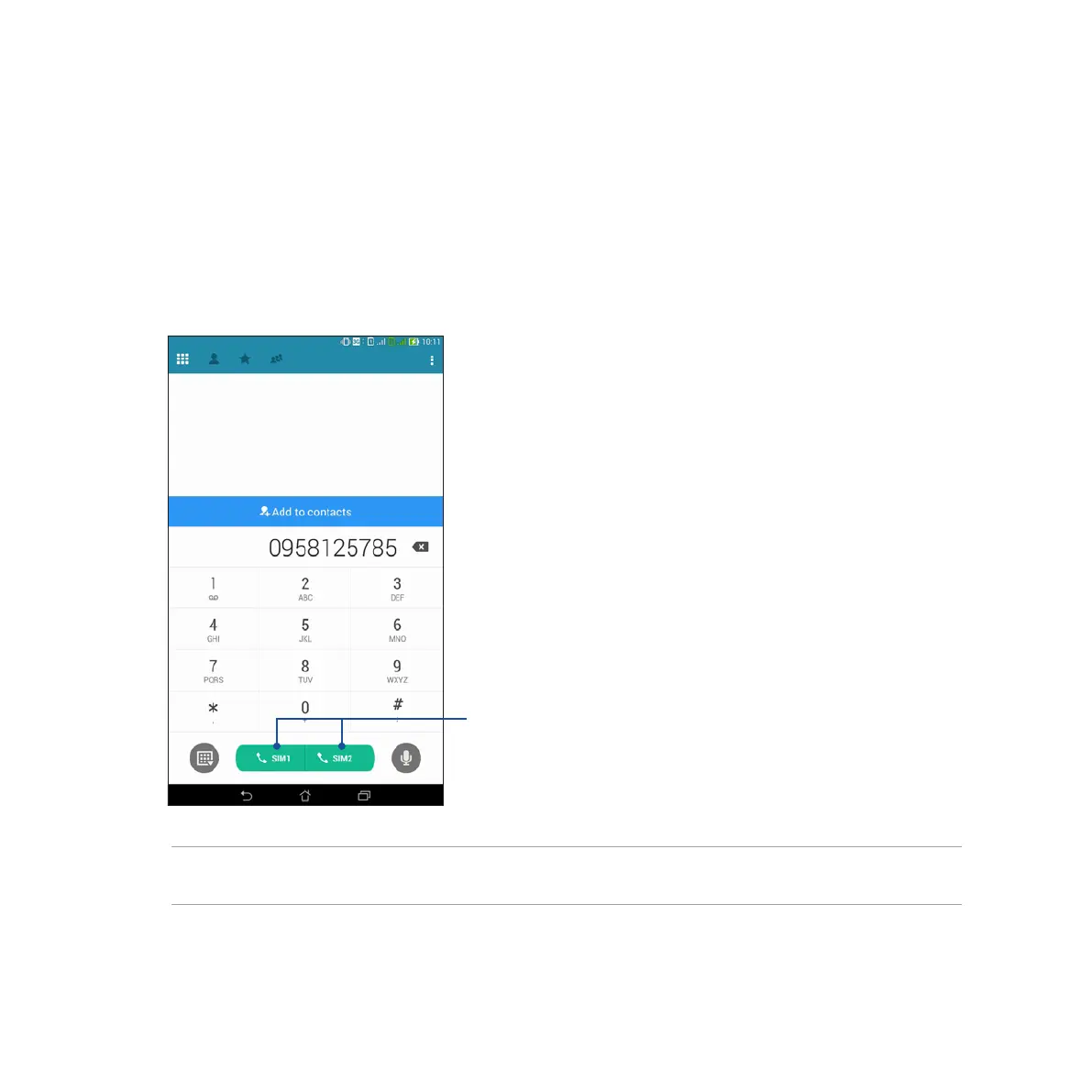
Use the Phone app to directly dial a phone number.
To call via the Phone app:
1. From your Home screen, tap Phone app then tap the number keys.
2. Select from call buttons SIM1 or SIM2 to dial the number.
NOTE: The labels of the call buttons may vary depending on the setting that you made to your micro SIM cards.
Refer to section Dual SIM feature of this user manual for more information.
Call buttons



 To Next Page