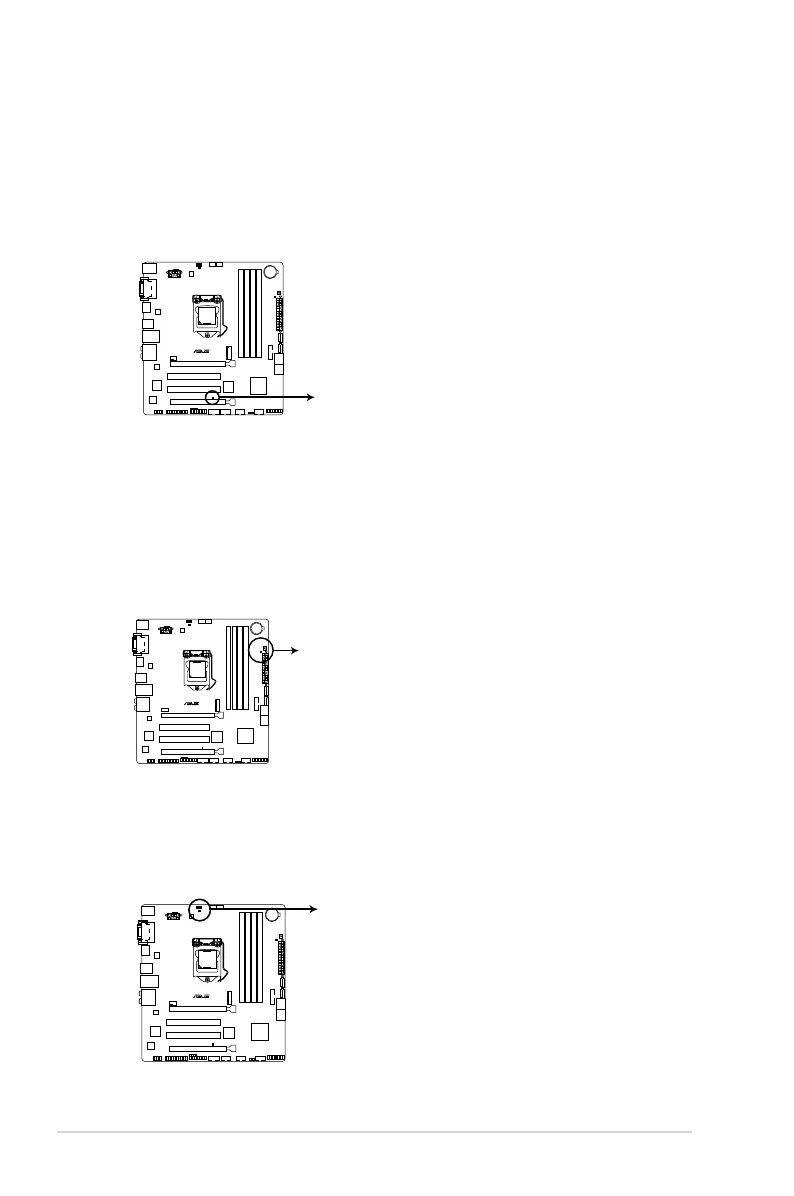
3. GPU Boost LED
TheGPUBoostLEDlightsupwhentheGPUBoostswitchisenabled.
H97M-PLUS
H97M-PLUS GPU LED
GPU_LED
1.9 Onboard LEDs
1. Standby Power LED
ThemotherboardcomeswithastandbypowerLEDthatlightsuptoindicatethatthe
systemisON,insleepmode,orinsoft-offmode.Thisisareminderthatyoushould
shutdownthesystemandunplugthepowercablebeforeremovingorplugginginany
motherboardcomponent.TheillustrationbelowshowsthelocationoftheonboardLED.
SB_PWR
H97M-PLUS
H97M-PLUS Onboard LED
2. DRAM LED
DRAMLEDcheckstheDRAMinsequenceduringmotherboardbootingprocess.Ifan
errorisfound,theLEDnexttotheerrordevicewillcontinuelightinguntiltheproblem
issolved.Thisuser-friendlydesignprovidesanintuitionalwaytolocatetheroot
problem within a second.
H97M-PLUS
H97M-PLUS MemOK! LED
MemOK! LED
1-22
Chapter 1: Product introduction



 To Next Page