Power On By RTC [Disabled]
[Disabled] Disables RTC to generate a wake event.
[Enabled] When set to [Enabled], the items RTC Alarm Date (Days) and Hour/
Minute/Second will become user‑congurable with set values.
2.6.9 Network Stack Configuration
Network Stack [Disabled]
This item allows user to disable or enable the UEFI network stack. Conguration options:
[Disabled] [Enabled]
The following two items appear only when you set the previous item to [Enabled].
Ipv4 / Ipv6 PXE Support [Enabled]
This item allows user to disable or enable the Ipv4 / Ipv6 PXE Boot support. Conguration
options: [Disabled] [Enabled]
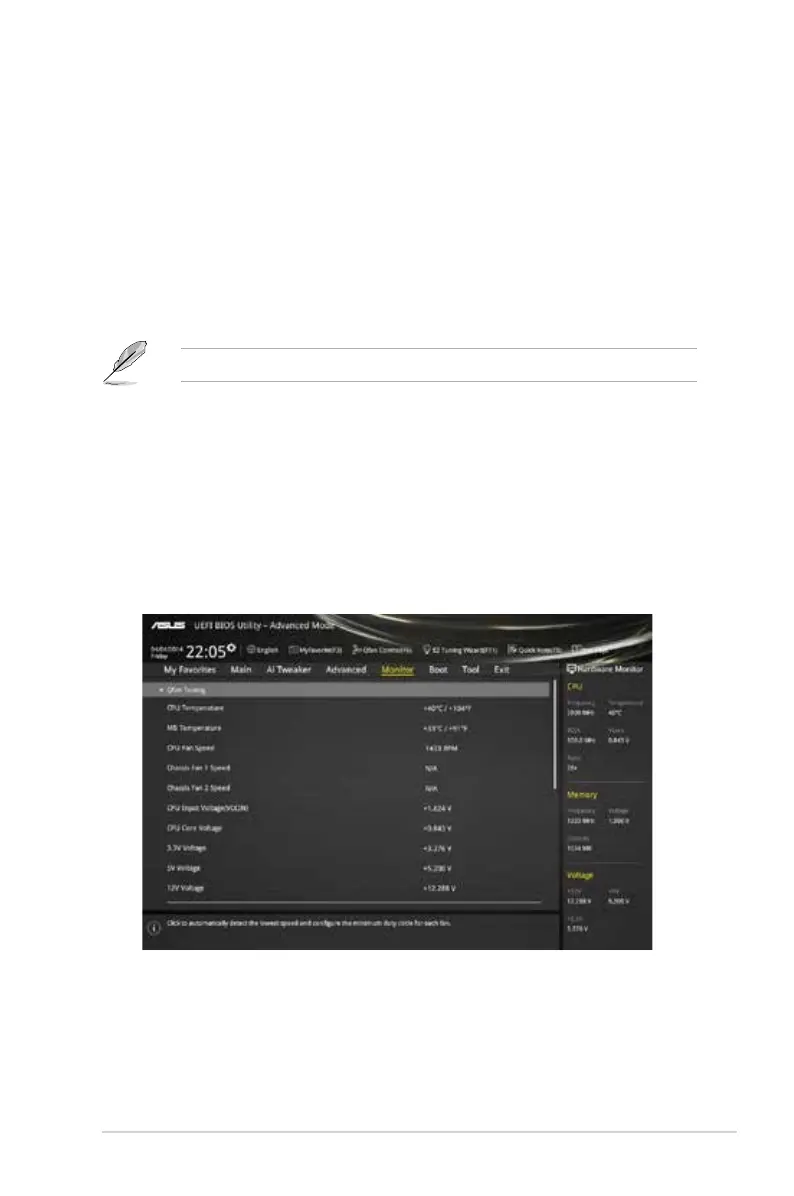
2.7 Monitor menu
The Monitor menu displays the system temperature/power status, and allows you to change
the fan settings.
ASUS H97M-PLUS
2‑31



 To Next Page