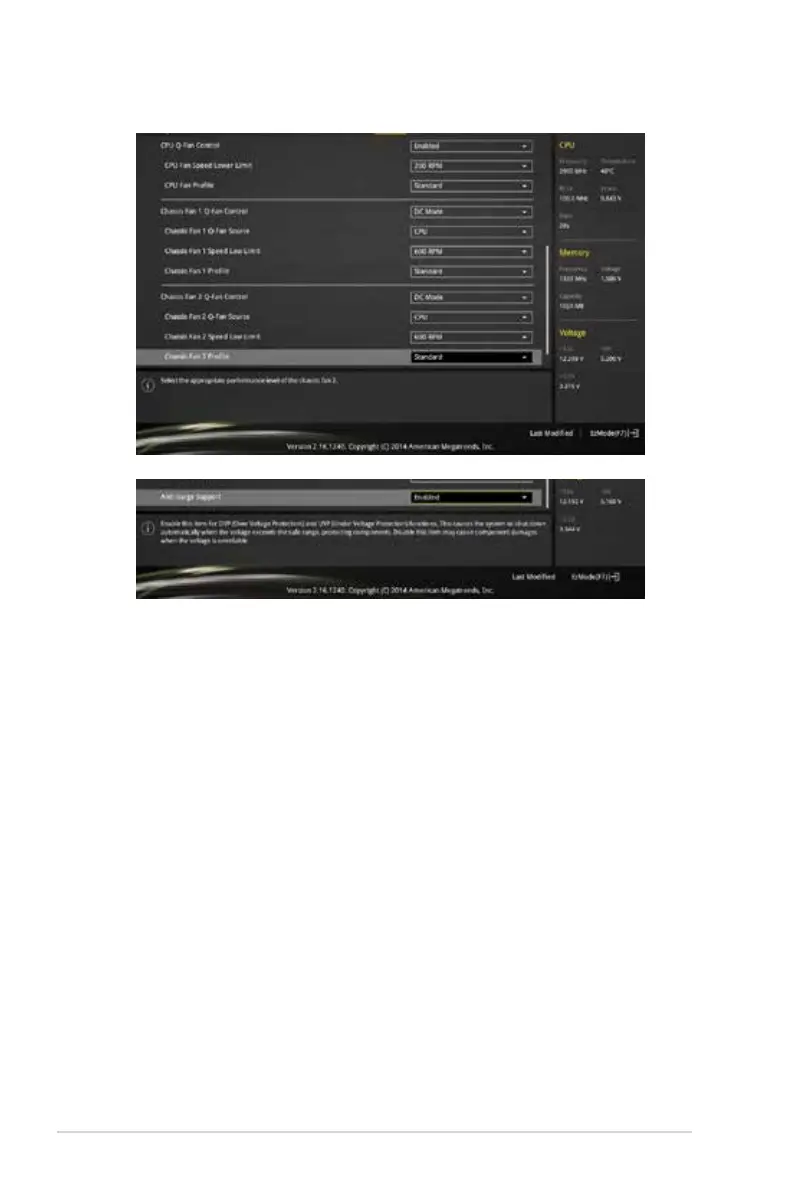
Scroll down to display the following items:
2.7.1 QFan Tuning
Click this item to automatically detect the lowest speed and congure the minimum duty cycle
for each fan.
2.7.2 CPU / MB Temperature [xxxºC/xxxºF]
The onboard hardware monitor automatically detects and displays the CPU / motherboard
temperature.
2.7.3 CPU Fan / Chassis Fan 1/2 Speed [xxxx RPM] or
[Ignore] / [N/A]
The onboard hardware monitor automatically detects and displays the CPU / chassis fan 1/2
speeds in rotations per minute (RPM). If the fan is not connected to the motherboard, the
eld shows N/A.
2.7.4 CPU Input Voltage (VCCIN), CPU Core Voltage, 3.3V
Voltage, 5V Voltage, 12V Voltage
The onboard hardware monitor automatically detects the voltage output through the onboard
voltage regulators.
2‑32
Chapter 2: Getting started



 To Next Page