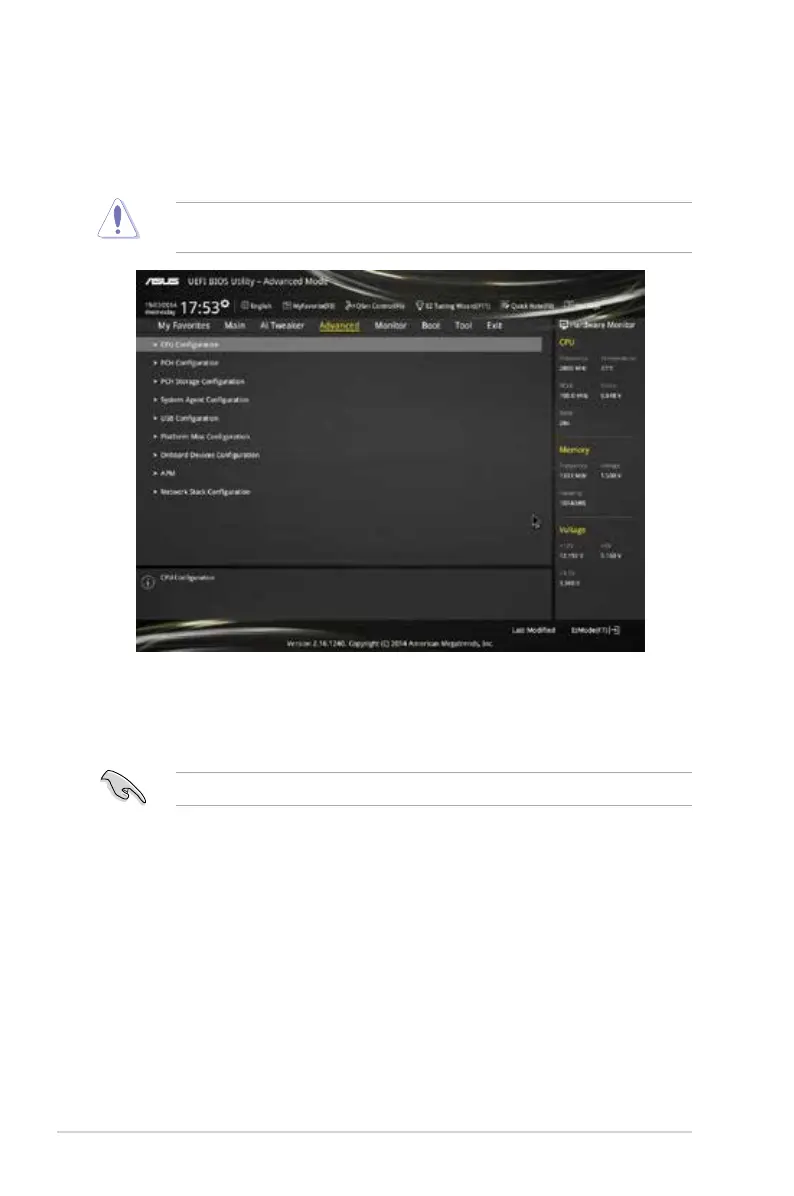
2.6 Advanced menu
The Advanced menu items allow you to change the settings for the CPU and other system
devices.
Be cautious when changing the settings of the Advanced menu items. Incorrect eld values
can cause the system to malfunction.
2.6.1 CPU Configuration
The items in this menu show the CPU‑related information that the BIOS automatically
detects.
The items shown in submenu may be different due to the CPU you installed.
Intel
®
Adaptive Thermal Monitor [Enabled]
[Enabled] Enables the overheated CPU to throttle its clock speed to cool down.
[Disabled] Disables the CPU thermal monitor function.
Hyper-threading [Enabled]
The Intel Hyper‑Threading Technology allows a hyper‑threading processor to appear as two
logical processors to the operating system, allowing the operating system to schedule two
threads or processes simultaneously.
[Enabled] Two threads per activated core are enabled.
[Disabled] Only one thread per activated core is enabled.
2-22
Chapter 2: Getting started



 To Next Page