6
Service Manual
• Hold components by the edges to avoid touching the ICs.
• Ensure to properly install all the components before connecting
the AC power.
• Do not use power adapters or batteries from other devices to
reduce the risk of injury to persons due to re or explosion.
Use only certied power adapters or batteries supplied by the
manufacturer or authorized retailers.
• Ensure to install the correct screw models on your ROG Phone to
prevent damage.
Guidelines
Please pay close attention to the following warning to prevent any
damage to the ASUS AI2401. Additionally, ensure that you select the
appropriate tools as described in this section before performing any
desired services.
Before undertaking any service or repair on the ASUS AI2401, please
follow the steps below:
• Ensure that the ASUS AI2401 is powered down.
• Disconnect the AC plug from the ASUS AI2401.
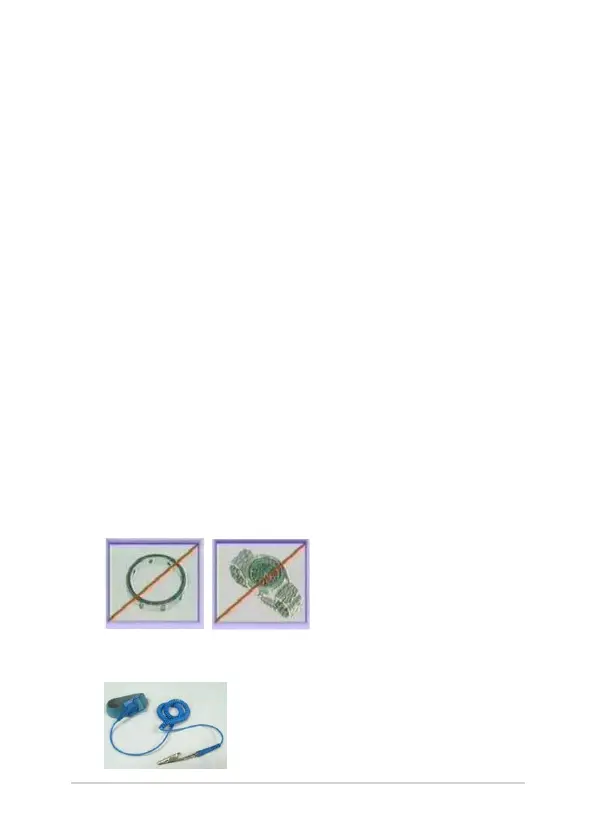
• Remove all rings, watches and any other metal objects from your
hands.
• Always wear a grounding strap on your hand to protect the ASUS
AI2401 from static discharge.















 To Next Page