Service Manual
95
Fingerprint calibration
Preparatory Steps and Guidelines
Item Preparation:
BFG300X300R00-60
UFG300X300R00-60
BMG140X140R00-20
Standard Weight: 600G
1. Remove the screen protector before performing ngerprint
calibration.
2. Clean and wipe the FOD (ngerprint on display) area to ensure it
is free from dirt before initiating ngerprint calibration.
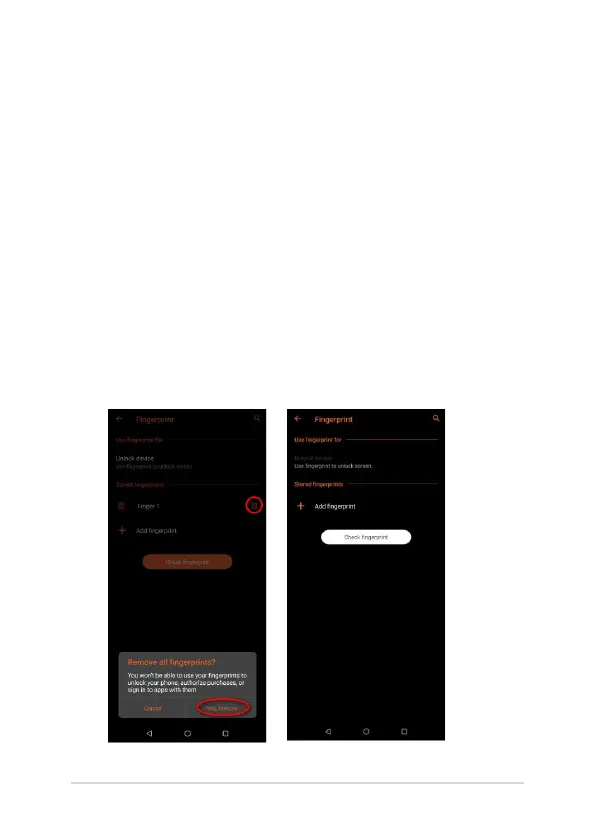
3. Prior to ngerprint calibration, delete all stored ngerprints
by navigating to: Settings > Security & lock screen > Device
security > Fingerprint.















 To Next Page