15
Windows
®
NT4.0
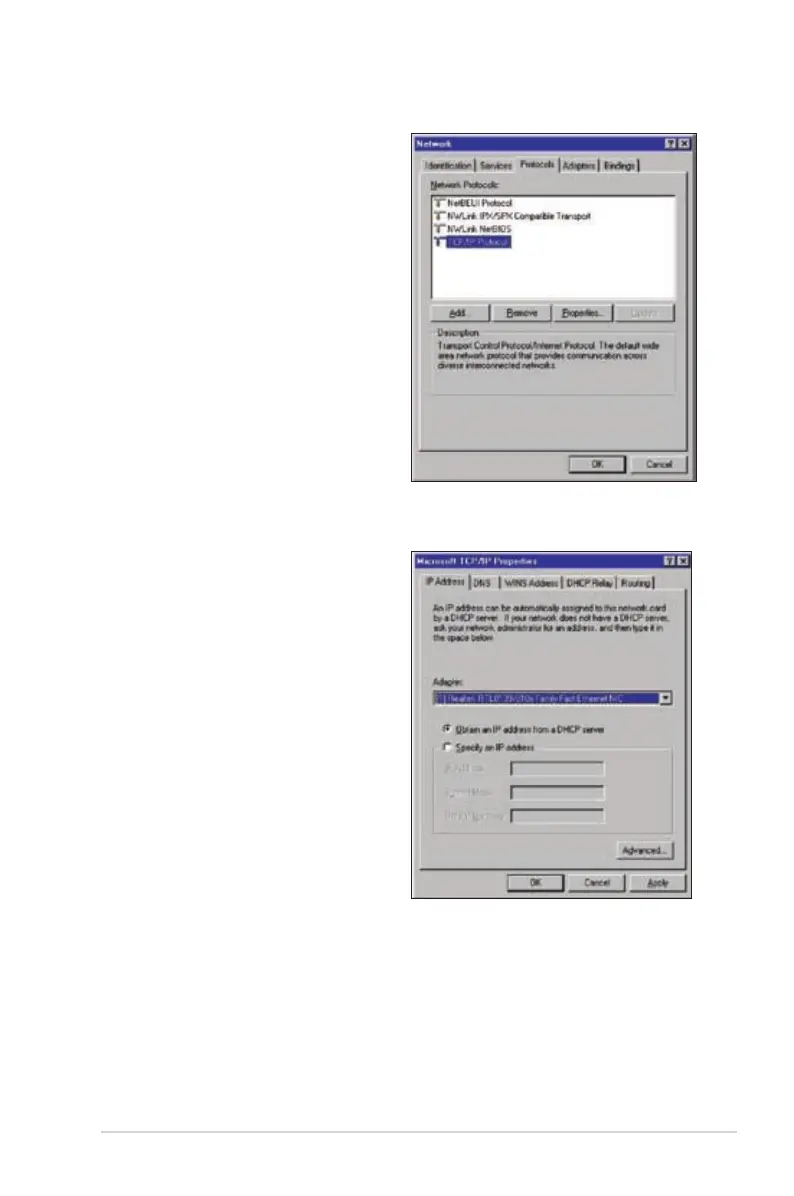
1. Go to Control Panel > Network to
display the Network setup window
then select the Protocols tab.
2. Select TCP/IP Protocol from the
Network Protocols list then click
Properties.
3. From the IP Address tab of the
Microsoft TCP/IP Properties
windows, you can:
• Select the type of network
adapter installed in your
system.
• Set the router to assign IP
address automatically.
• Manually set up the IP address,
subnet mask, and default
gateway.



 To Next Page