EasyManua.ls Logo

Asus RT-N13 - Configuring via the Web GUI

Asus RT-N13
46 pages
Print Icon
To Next Page IconTo Next Page
To Previous Page IconTo Previous Page
Loading...
19
 
4
Conguring via the
web GUI
Conguring via the web GUI

features: Network Map, EZQoS Bandwidth Management, and other Advanced
Setting.
To congure via the web GUI:
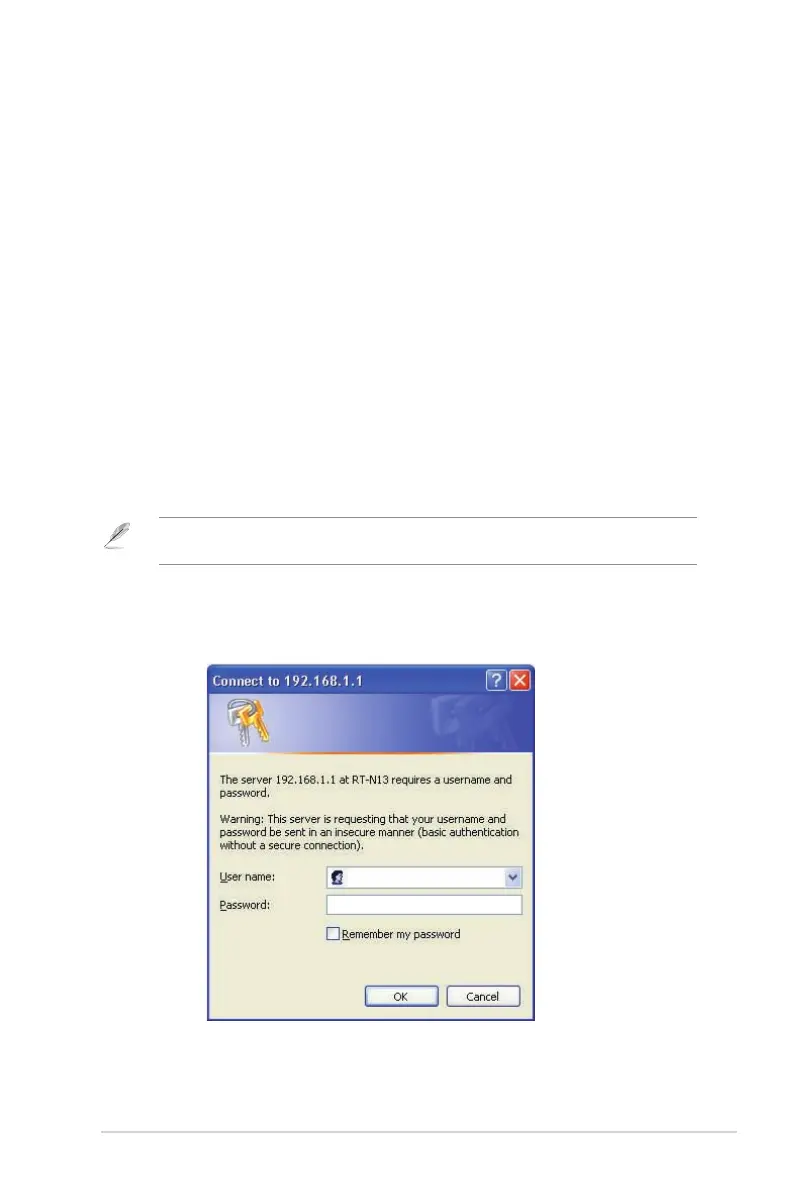
1. After setting up a wired or wireless connection, launch a web browser. The
login page is automatically launched.
Note192.168.1.1) to launch the

2. On the login page, key in the default user name (admin) and password
(admin).

Related product manuals