EasyManua.ls Logo

Asus RT-N13 - Managing EzQoS Bandwidth

Asus RT-N13
46 pages
Print Icon
To Next Page IconTo Next Page
To Previous Page IconTo Previous Page
Loading...
22
 
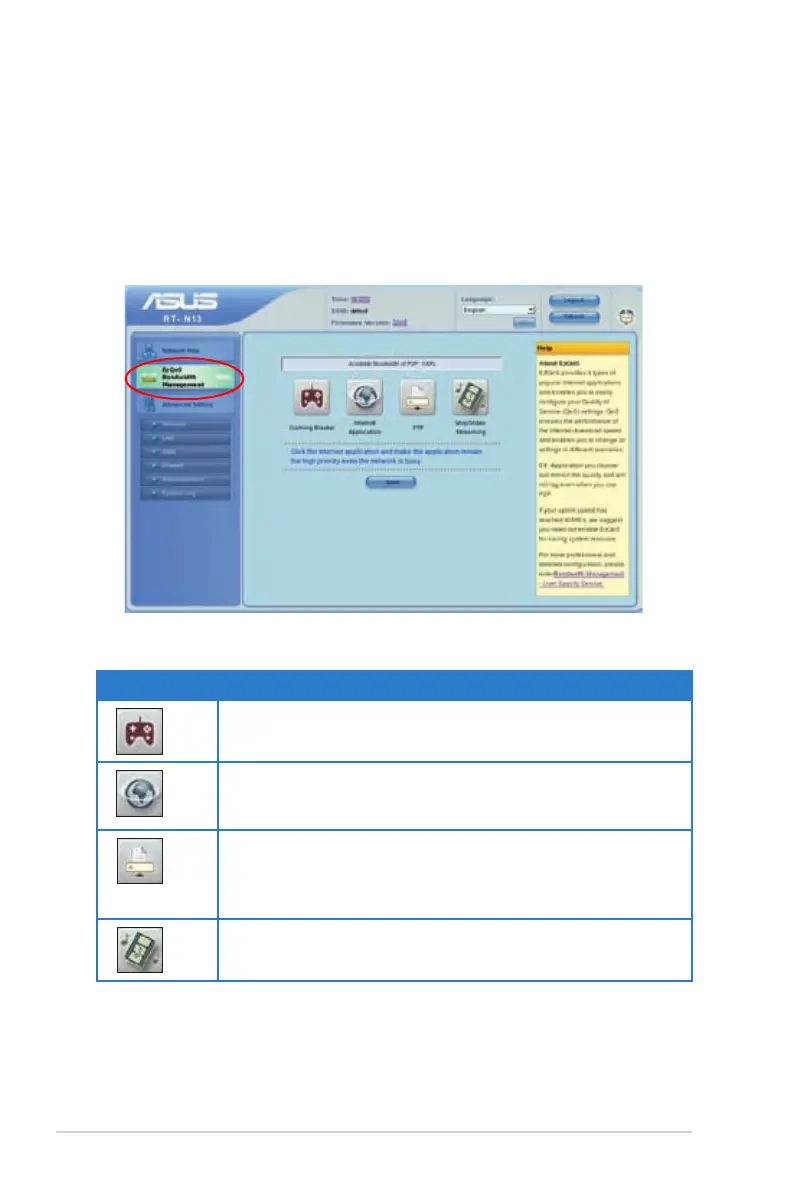
Managing EzQoS bandwidth
         Bandwidth Management enables you to set the bandwidth priority and

To set up the bandwidth priority:
1. Click EzQoS Bandwidth Management from the navigation menu at the left
side of your screen.
2. Click each of these four applications to set the bandwidth priority:
Icon Description
Gaming Blaster

Internet Application
The router handles the e-mail, web browsing and other

FTP

uploading data to/from the FTP server.
Voip/Video Streaming

3. Click Save

Related product manuals