8
RT-N13 Chapter 1: Knowing your wireless router
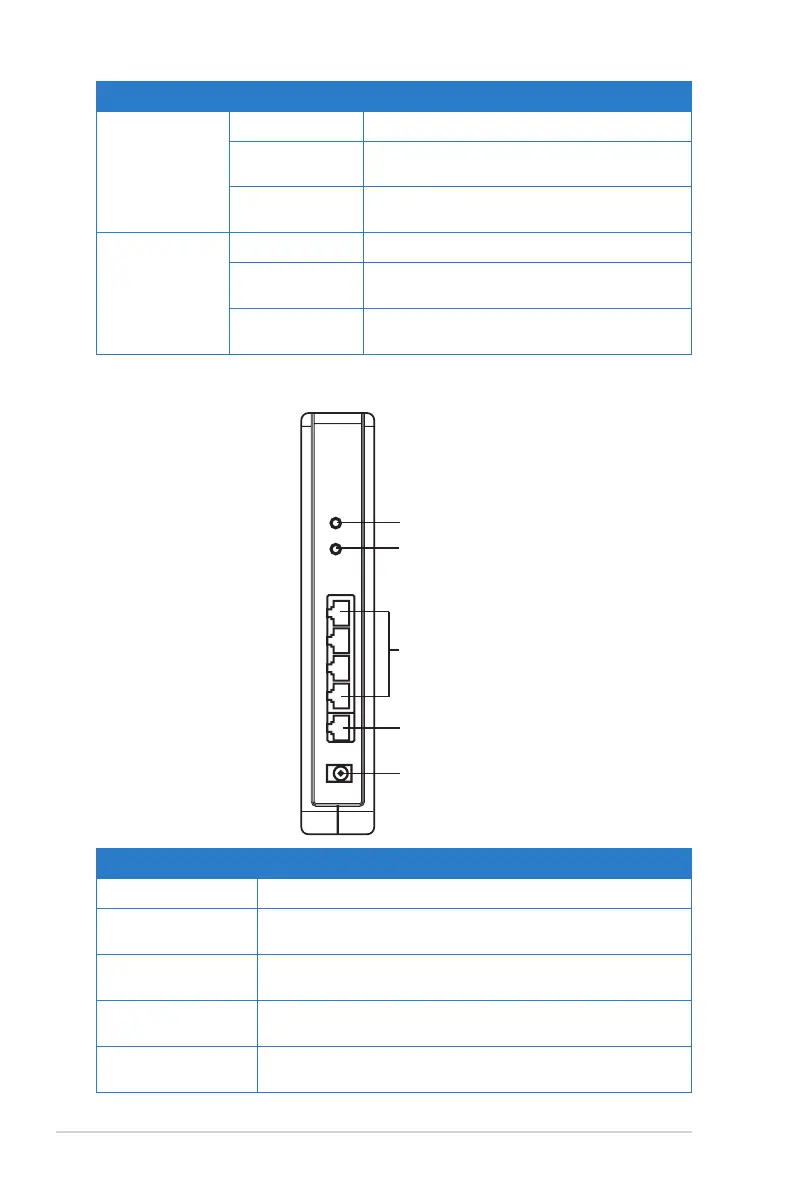
Item Description
WPS Press this button to launch the WPS utility.
Restore
factory default settings.
LAN1-LAN4 Connect RJ-45 Ethernet cables to these ports to
establish LAN connection.
WAN Connect an RJ-45 Ethernet cable to this port to establish
WAN connection.
DC In Insert the AC adapter into this port to connect your
router to a power source.
LAN 1-4
WAN
DC In
Restore button
WPS button
Rear panel
LED Status Indication
LAN 1-4
(Local Area
Network)
Off No power or no physical connection
On Has physical connection to an Ethernet
network
Flashing Transmitting or receiving data (through
Ethernet cable)
WAN
(Wide Area
Network)
Off No power or no physical connectio
On Has physical connection to an Ethernet
network
Flashing Transmitting or receiving data (through
Ethernet cable)



 To Next Page