20
features of the ASUS Wireless Router.
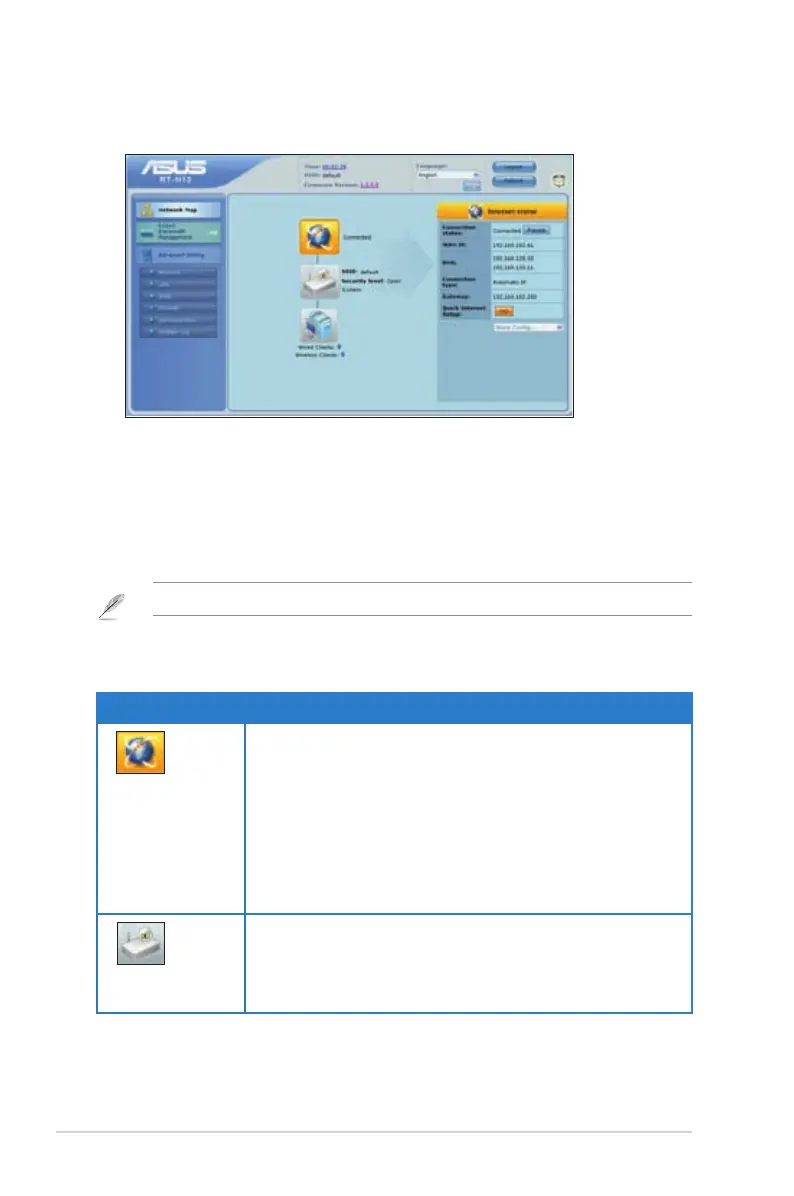
Using the Network Map
Network Map
of the Internet, system, and clients in your network. It enables you to quickly set up
your Wide Area Network (WAN) using the Quick Internet Setup (QIS) feature, or to
quickly set up your Local Area Network (LAN) using the EZ Setup utility.
Note: For more details on WPS, refer to the section WPS in Chapter 5 of this user manual.
on the main page:
Icon Description
Internet status
Click this icon to display information on the Internet
connection status, WAN IP address, DNS, connection
type, and gateway address. From the Internet status
screen, use the Quick Internet Setup (QIS) feature to
quickly set up your WAN.
Note: For more details on the QIS feature, refer to the
section Setting up WAN using the Quick Internet Setup
(QIS) on the next page.
System status
Click this icon to display information on the SSID,
authentication method, WEP encryption, LAN IP, PIN
code, MAC address, or turn the wireless radio on/off.
Launch the WPS function from the System status screen.



 To Next Page