30
RT-N13 Chapter 5: Installing the utilities
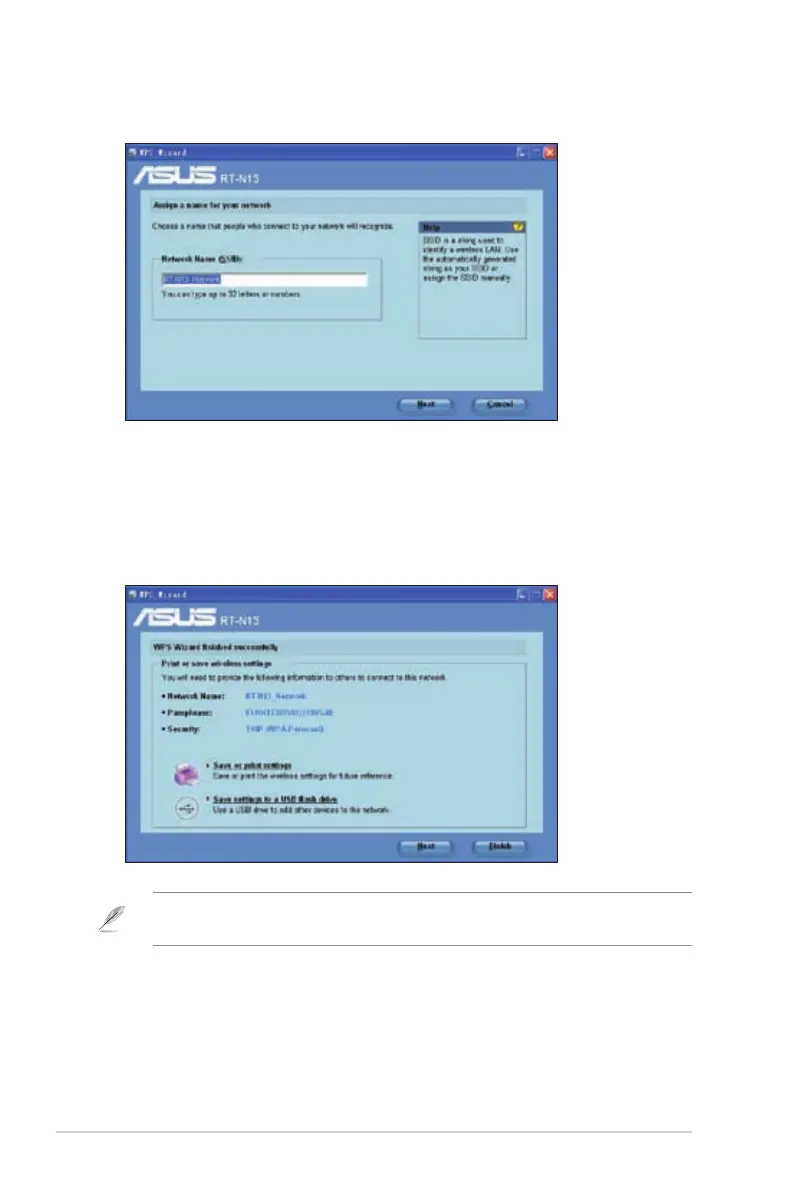
4. Assign a name to your network.
assign a passphrase containing between 8 and 63 characters. Click Next.
6. Installation is completed. Click Save or print settings for future reference or
Save settings to a USB ash drive to add other devices to the network. Click
Next to connect to the Internet.
Note
section Adding network devices using a USB ash drive on the next page.



 To Next Page