EasyManua.ls Logo

Asus RT-N13 - Page 32

Asus RT-N13
46 pages
Print Icon
To Next Page IconTo Next Page
To Previous Page IconTo Previous Page
Loading...
32
RT-N13 Chapter 5: Installing the utilities
 
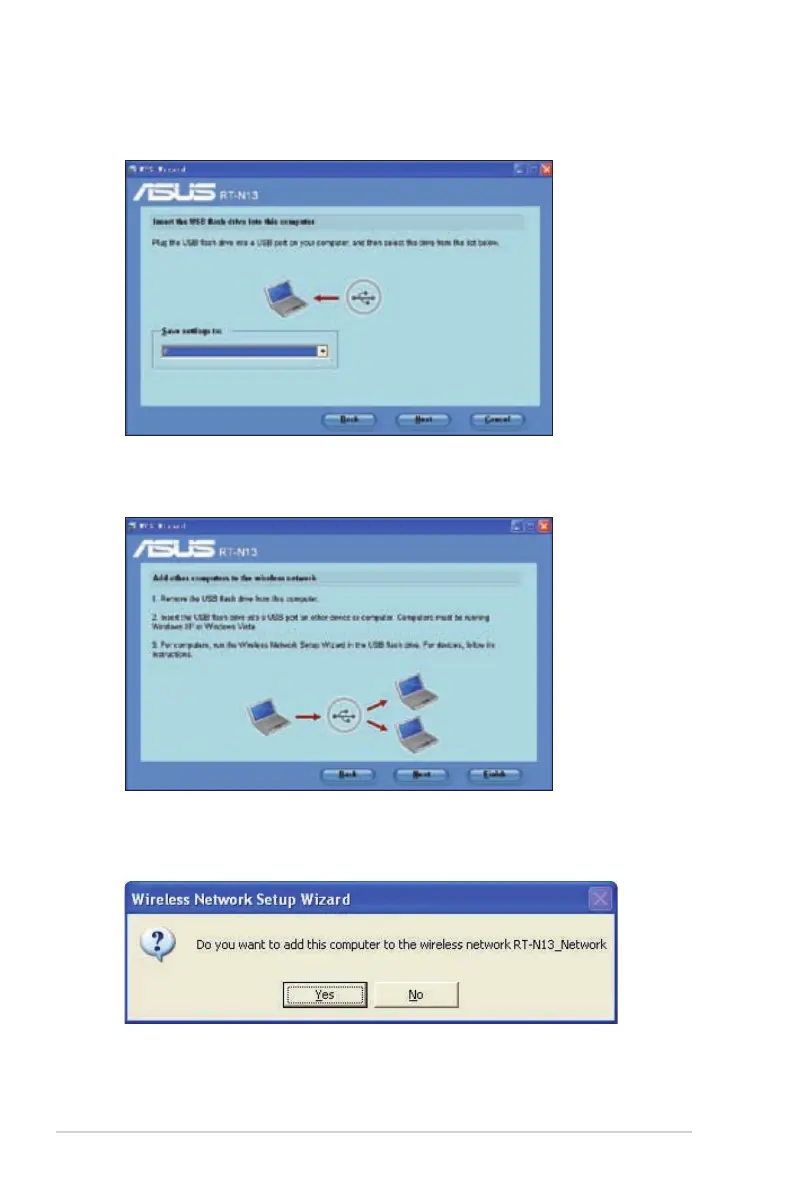
drive from the dropdown list. When done, click Next to continue.
 
that you want to add to the wireless network.
4. Locate the SetupWireless.exe from the USB drive, and double-click to run it.
Click Yes to add this computer to the wireless network.


Related product manuals