36
RT-N15U Chapter 5: Installing the utilities
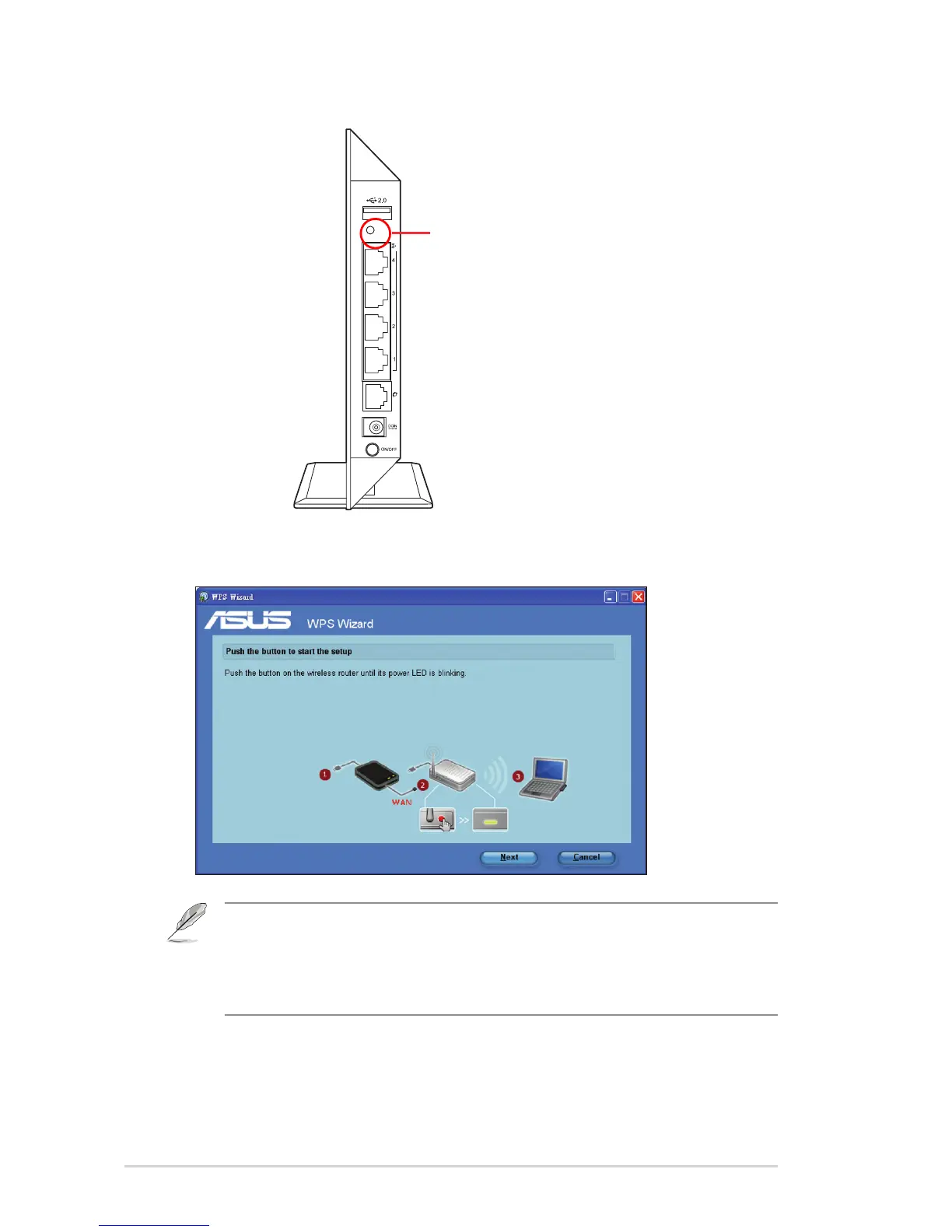
2. Press the WPS button on your router.
3. On the WPS Wizard, click Next to continue.
Notes:
• When running WPS, the Internet connection pauses briey then reestablishes the connection.
• If the WPS button is pushed without running the WPS Wizard, the PWR indicator ashes and
Internet connection pauses briey and then reestablishes the connection.



 To Next Page