37
Chapter 5: Installing the utilities RT-N15U
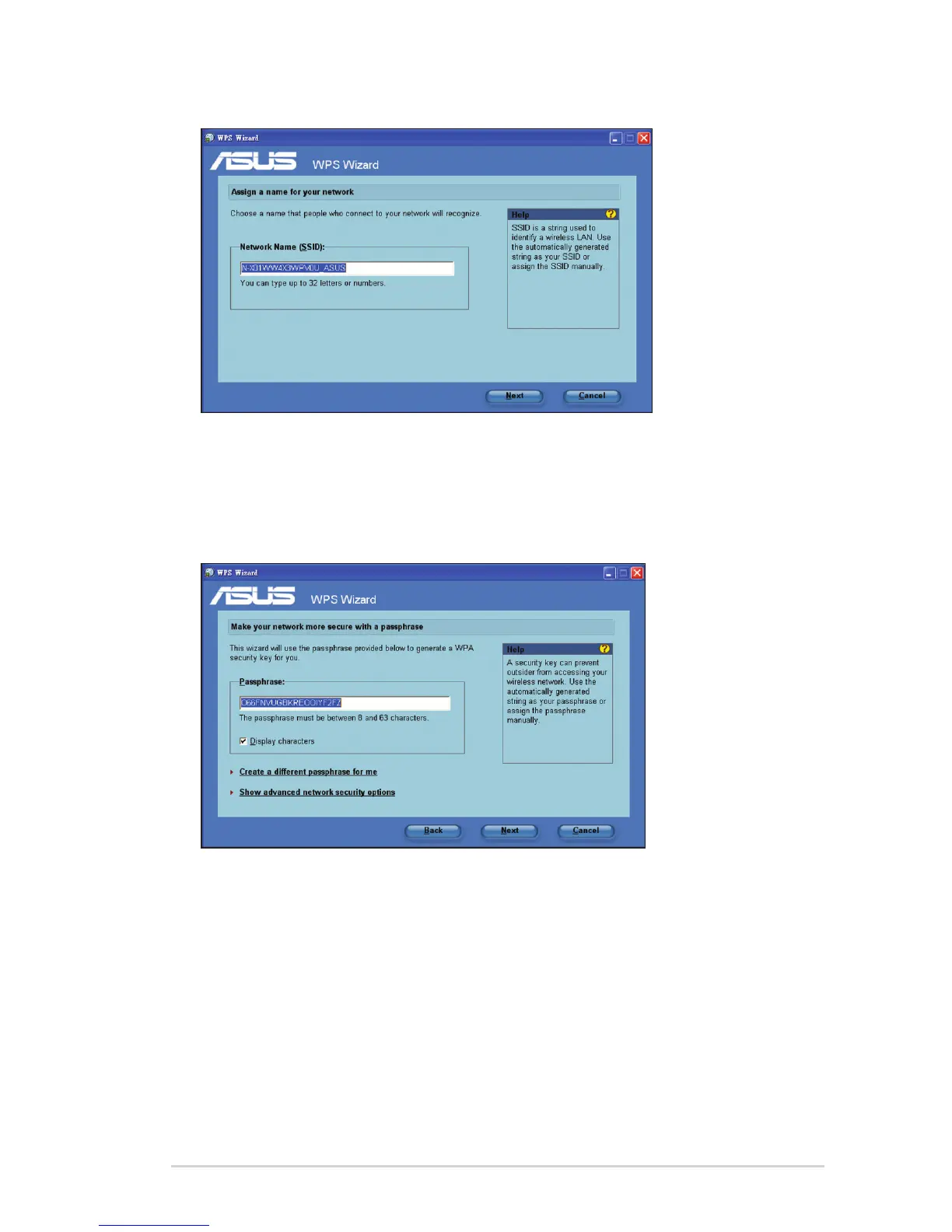
4. Key in desired network name or SSID (service set identier). When done, click
Next.
5. Create and key in a passphrase consisting of 8-63 characters or use the
automatically generated passphrase then click Next.
A passphrase is a sentence, phrase, or sequence of alpha-numeric characters
used to generate a security key.



 To Next Page