32
2. Click each of these four applications to set the bandwidth
priority:
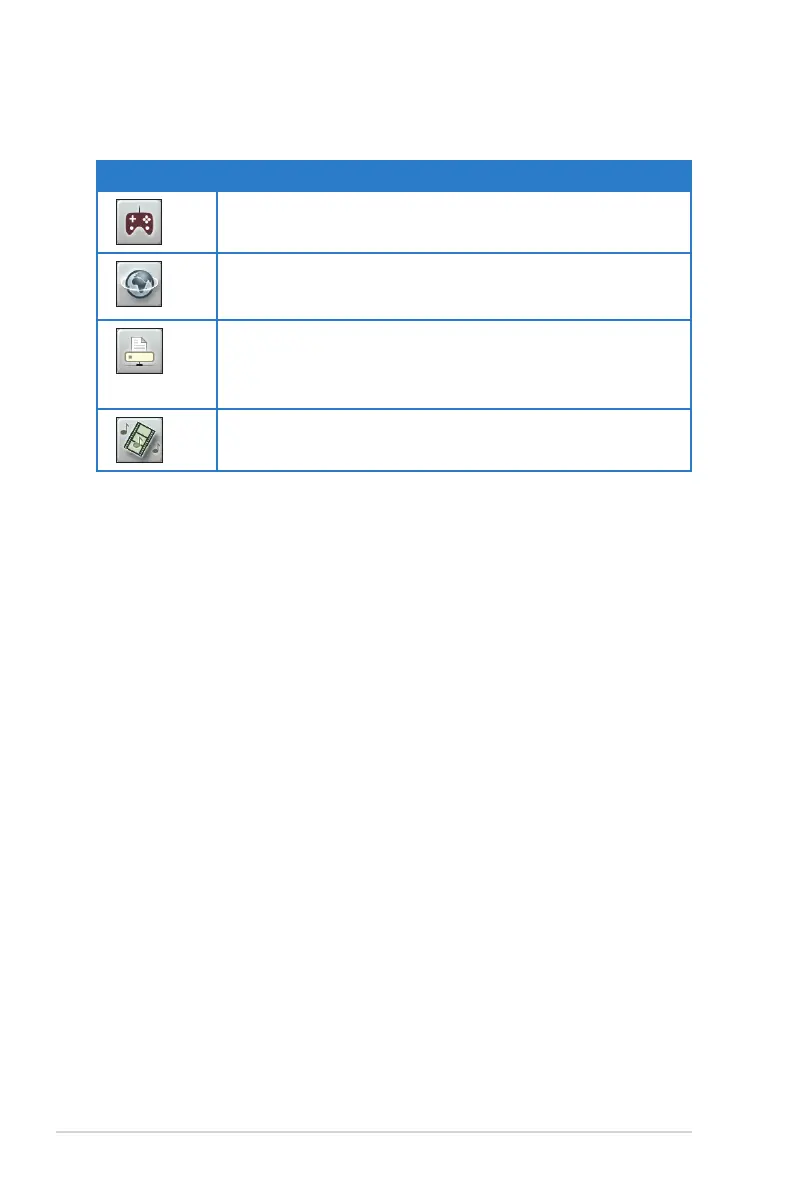
Icon Description
Gaming Blaster
The router handles gaming traffic at first priority.
Internet Application
The router handles the e-mail, web browsing and other Internet
applications traffic at first priority.
FTP
The router handles at first priority the traffic of downloading/
uploading data to/from the FTP server.
Voip/Video Streaming
The router handles the audio/video traffic at first priority.
3. Click Save to save the configuration settings.



 To Next Page