8
2 Creating your network
Positioning your router
For the best wireless signal transmission between the wireless
router and the network devices connected to it, ensure that you:
• Place the wireless router in a centralized area for a maximum
wireless coverage for the network devices.
• Keep the device away from metal obstructions and away
from direct sunlight.
• Keep the device away from 802.11g or 20MHz only
Wi-Fi devices, 2.4GHz computer peripherals, Bluetooth
devices, cordless phones, transformers, heavy-duty motors,
fluorescent lights, microwave ovens, refrigerators, and other
industrial equipment to prevent signal interference or loss.
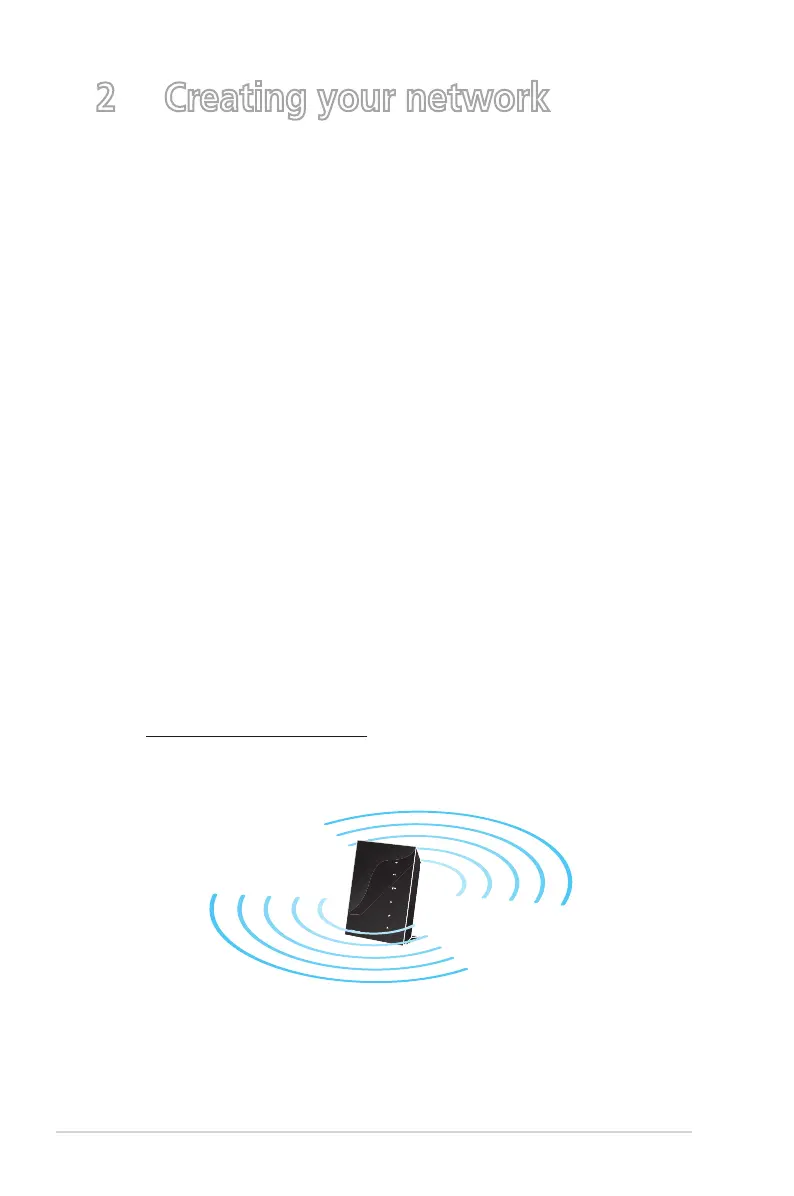
• For the best front-to-rear coverage, place the wireless router
in an upright position.
• For the best up-and-down coverage, place the wireless router
in an inclined position.
• Always update to the latest firmware. Visit the ASUS website
at http://www.asus.com to get the latest firmware
updates.



 To Next Page