VivoTab Note 8 E-Manual
25
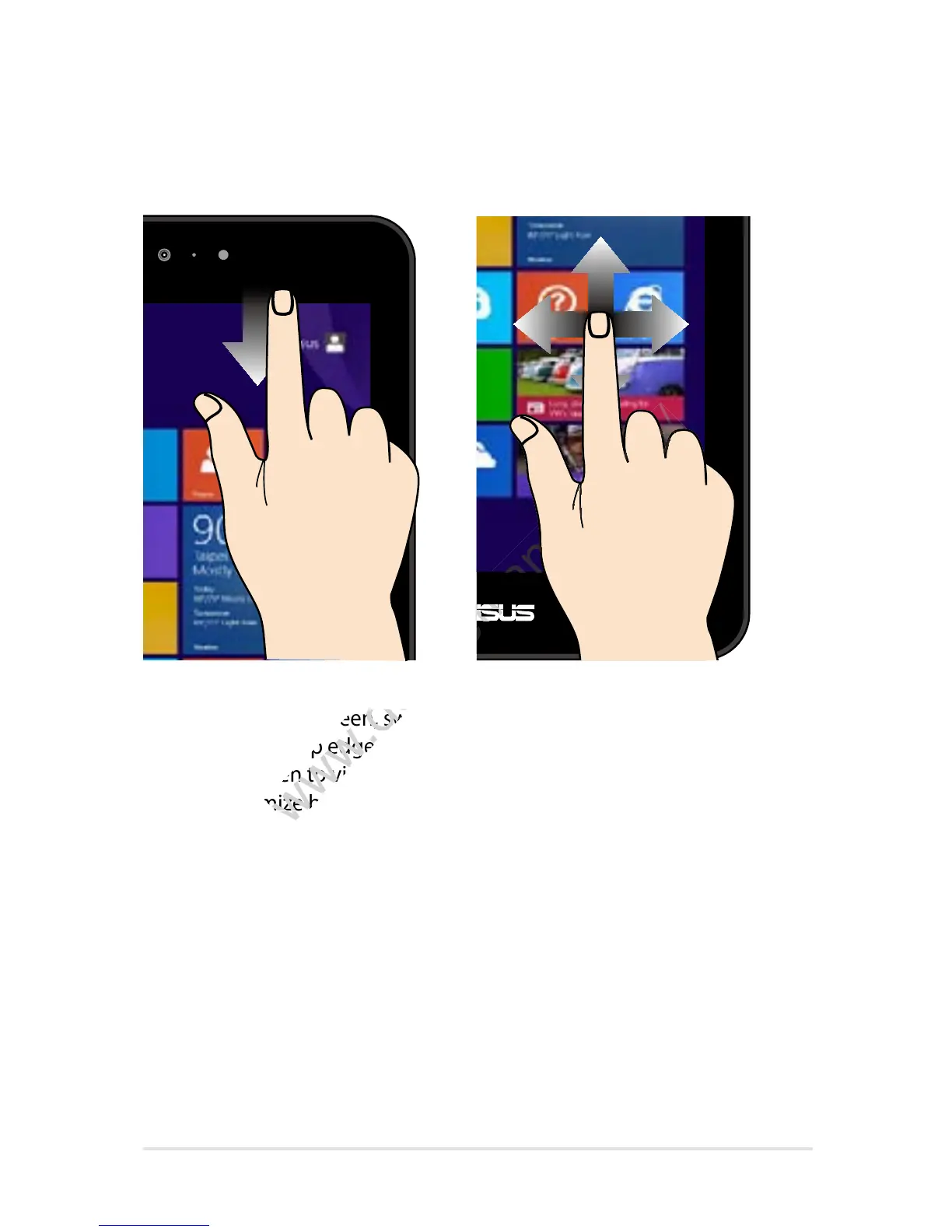
Top edge swipe Finger slide
• In the Start screen, swipe
from the top edge of
the screen to view the
Customize bar.
• In a running app, swipe
from the top edge of the
screen to view its menu.
Slide your nger to scroll up and
down and slide your nger to pan
the screen left or right.
In the Start screen, swipe
www.devicemanuals.eu/
In the Start screen, swipe
from the top edge of
www.devicemanuals.eu/
from the top edge of
the screen to view the
www.devicemanuals.eu/
the screen to view the
Customize bar.
www.devicemanuals.eu/
Customize bar.
www.devicemanuals.eu/www.devicemanuals.eu/
www.devicemanuals.eu/www.devicemanuals.eu/
www.devicemanuals.eu/www.devicemanuals.eu/
www.devicemanuals.eu/www.devicemanuals.eu/














 To Next Page