14
ASUS Xonar D2X
4.3 Installing the Ableton Live
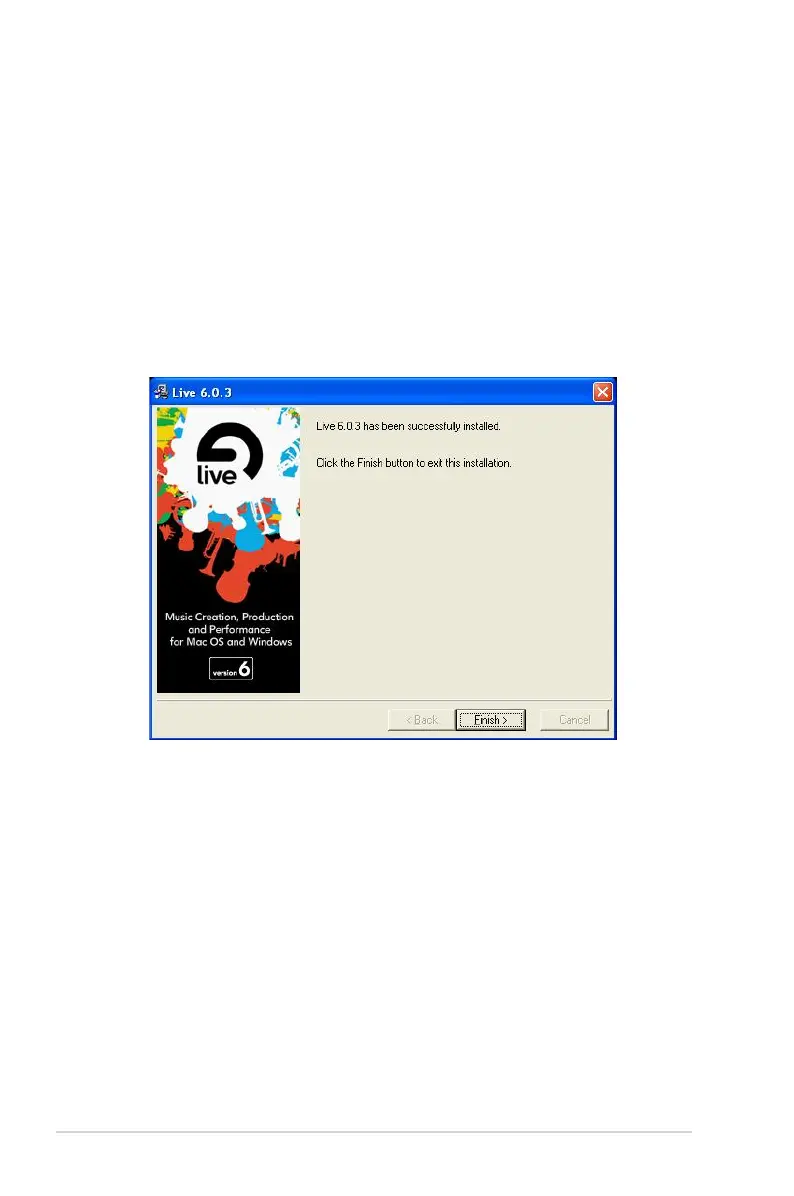
1. Insert the Ableton Live installation CD into the CD/DVD-ROM drive.
2. The installation program will start automatically. If it does not, double click the
setup program.
3. Follow the instructions on the screen to complete the installation. Please read
the “END USER LICENCE AGREEMENT” and make sure you understand
and accept it before you continue the installation. After the installation is
complete, click Finish.



 To Next Page