27
ASUS Xonar D2X
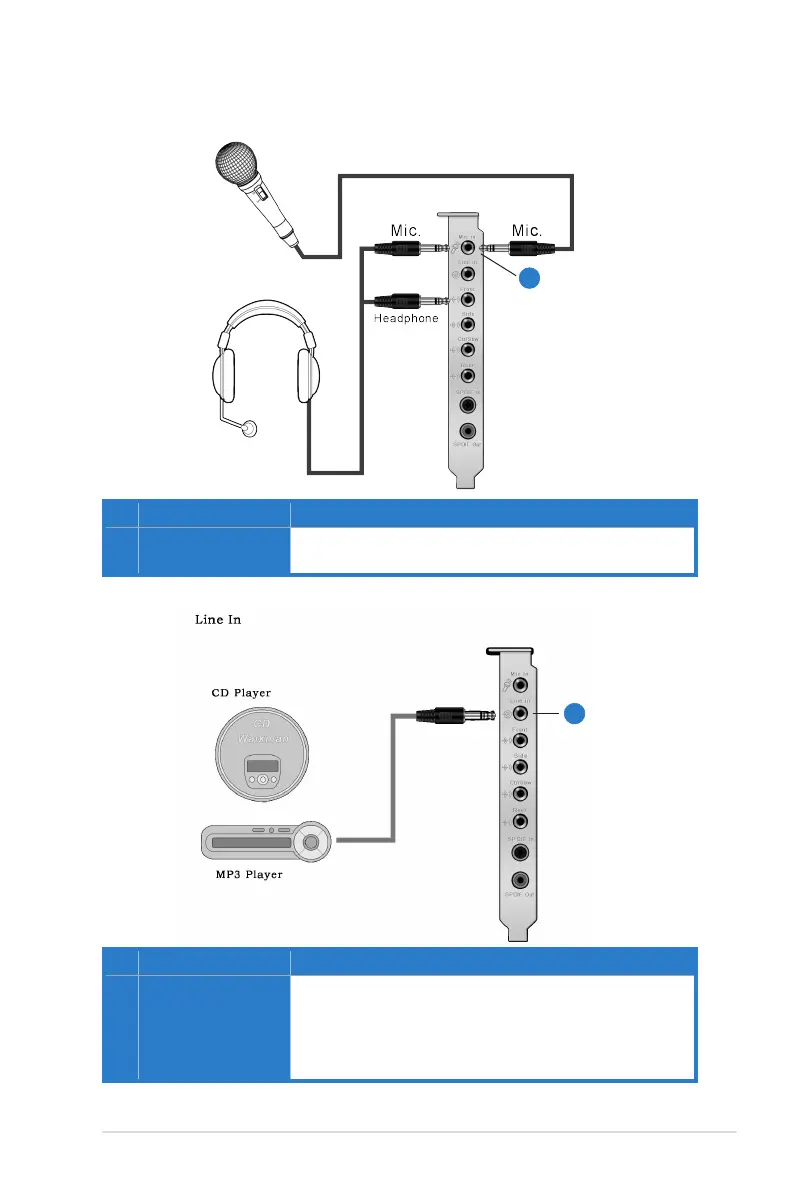
5.4 Connecting Microphone
5.5 Connecting Line-In Audio Sources
No Item Description
1 Microphone Input
Jack
Connect the microphone’s 3.5mm plug into this Mic-In jack
for voice communication, recording, or karaoke.
1
No Item Description
1 Line Input Jack
Connect the 3.5mm plug of the CD/MP3 Player or any other
Line level analog audio sources into this Line-In jack for
sound recording or real-time Dolby/DTS sound processing
through the Monitoring path (See the “Mixer” section of the
driver guide).
1



 To Next Page