15
ASUS Xonar D2X
4.4 Installing the Cakewalk Production Plus Pack
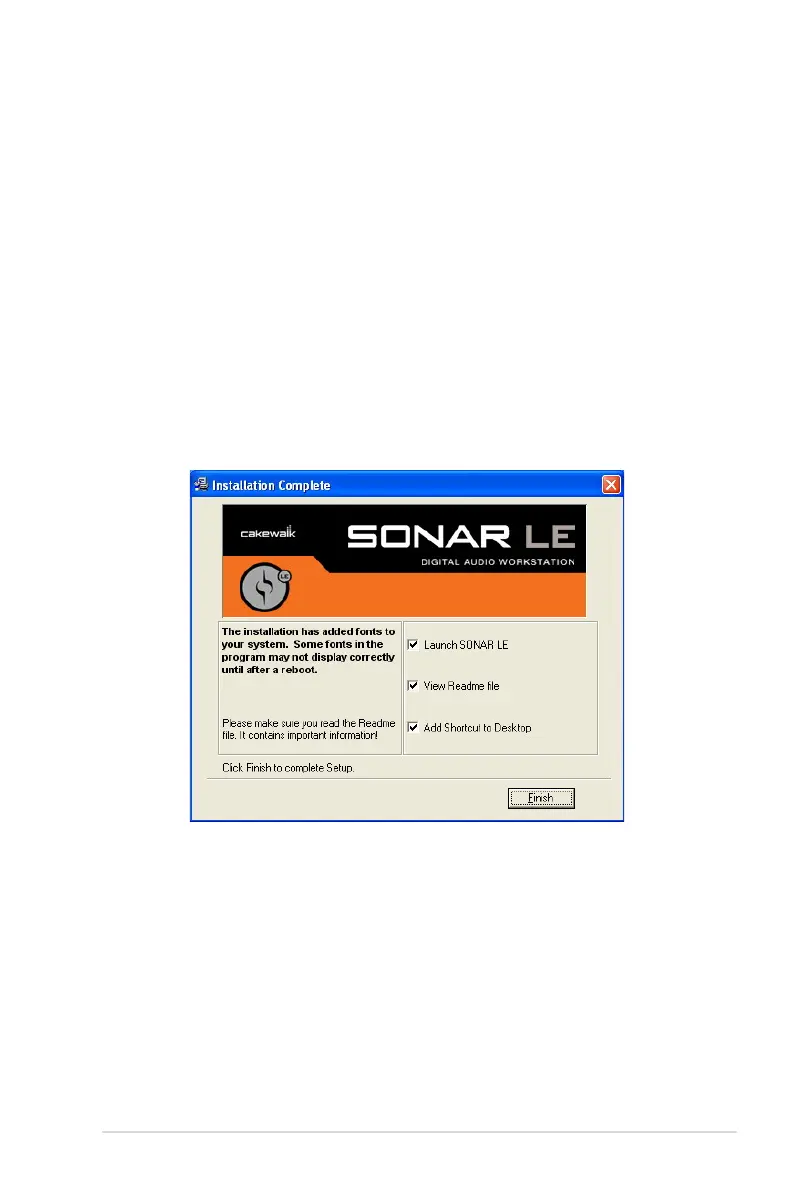
4.4.1 Installing SONAR LE
1.
Insert the Cakewalk Production Plus Pack installation CD into your CD/DVD-
ROM drive.
2. The installation program will start automatically. If it does not, double click the
setup program.
3. Follow the instructions on the screen to complete the installation. Please read
the “SOFTWARE LICENCE AGREEMENT” and make sure you understand
and accept it before you continue the installation.
4. You may be prompted to select the language, installed components, and
associated file types, and to run the VST Adapter Configuration Wizard. After
the installation is complete, click “Finish”.



 To Next Page