18
ASUS Xonar D2X
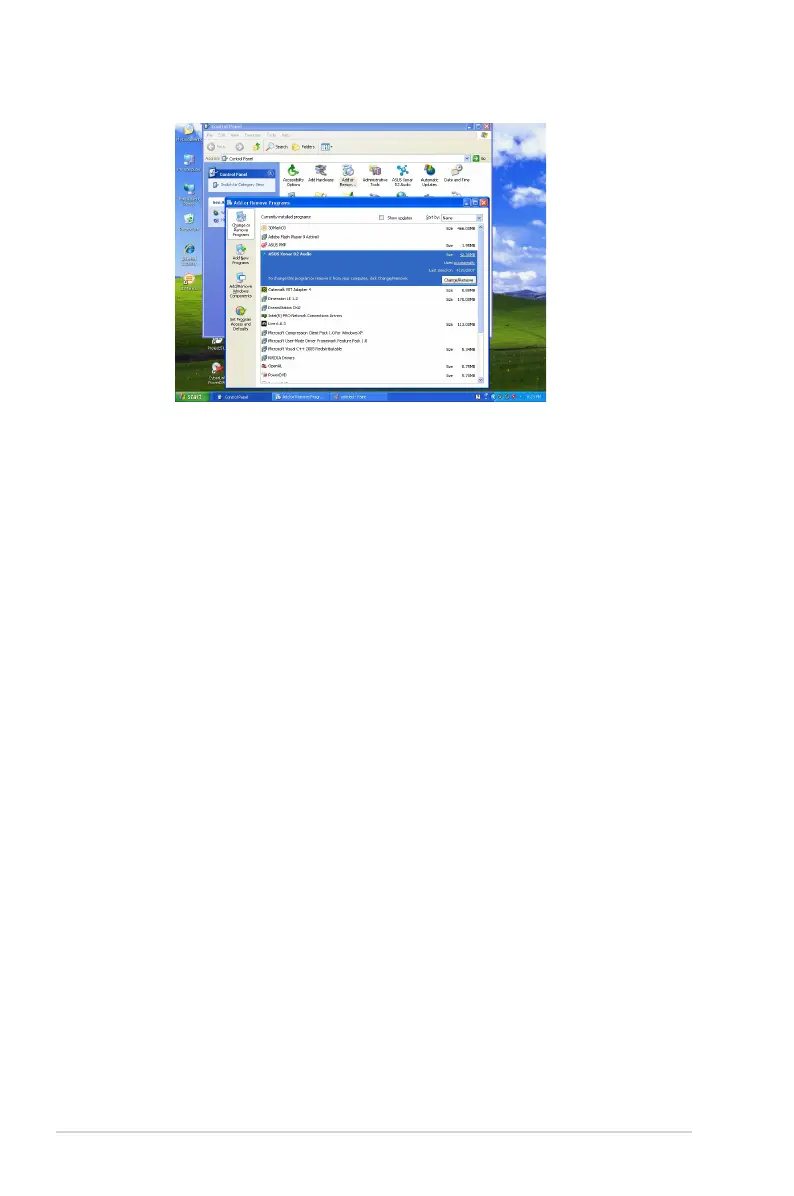
5. In the InstallShield Wizard dialog box, select the “Remove” option.
6. Restart your computer when prompted.
4.5.2 Reinstalling Software
1. Before you reinstall any software, it’s recommended to uninstall the existing
software first.
2. After you finish the uninstallation of the software, please follow the installation
process again to reinstall the same or updated software.



 To Next Page