29
Chapter 2: There’s no place like Home
Fingerprint ID sensor
Fingerprint ID sensor prevents others from using your ASUS phone without your permission. You
can use your ngerprint to unlock your device, access your phone calls and data. When you set up
your ngerprint ID, you also need to set up your screen lock method for device startup.
Starting your ASUS phone for the rst time
To set up your ngerprint ID when using your ASUS Phone for the rst time:
1. Ensure that the ngerprint identication module and your nger are clean and dry.
2. From the Welcome page, follow the on-screen instructions to the Protect your phone page and
tick Set up ngerprint.
3. Click NEXT to choose a screen lock method, and then follow the instructions to the Locate
nger print scanner page, and click NEXT.
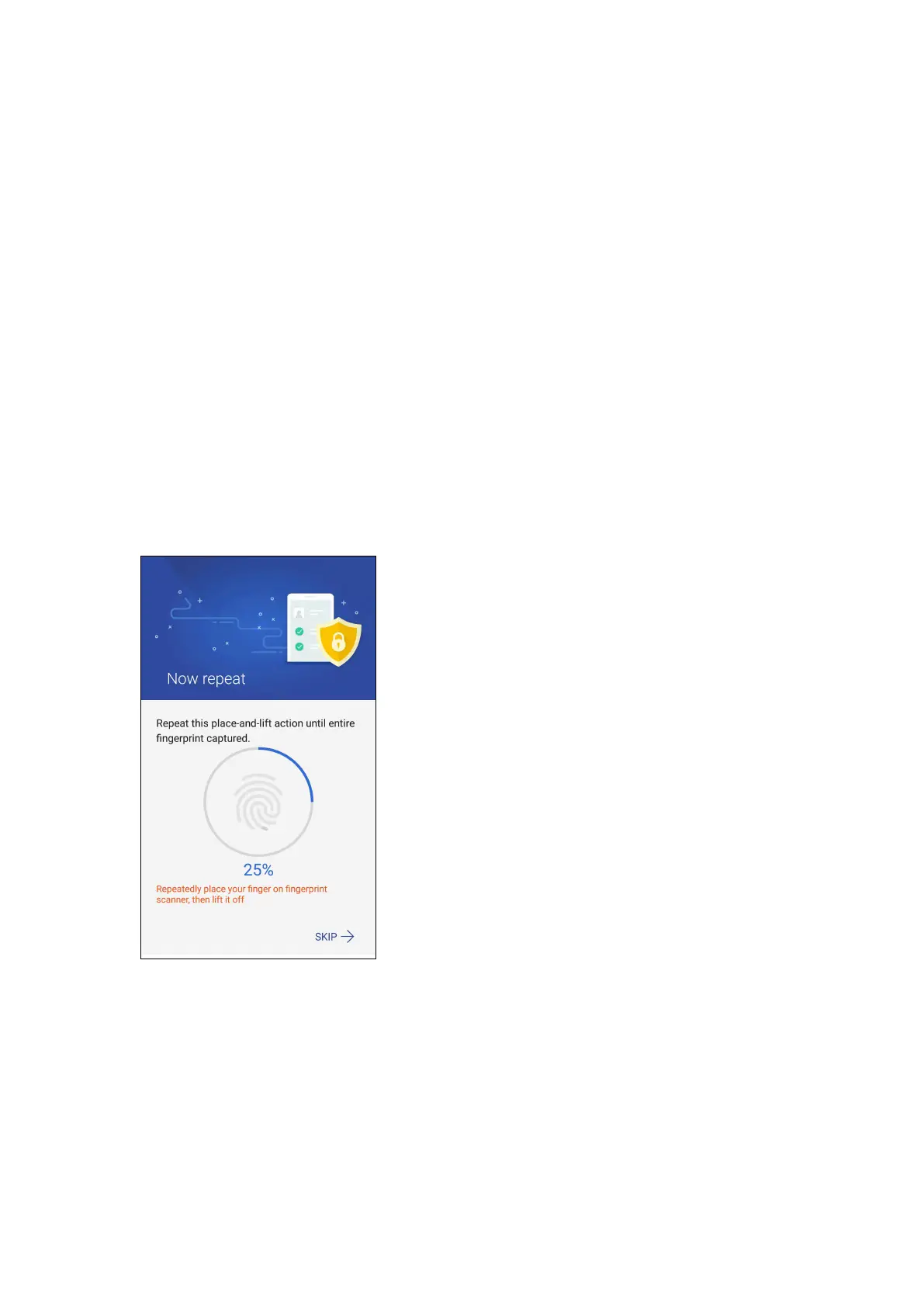
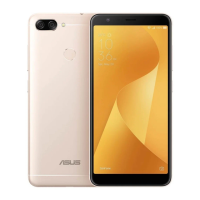
4. Find the ngerprint scanner on the rear cover of your device, adjust your nger and try to cover
dierent areas of your nger repeatedly until your ngerprint is captured, then click NEXT.
5. Click NEXT to complete the setup.







 To Next Page