77
ZenLink
9
9 ZenLink
Knowing ZenLink
Stay connected with the ASUS-exclusive ZenLink for maximum productivity. With these ZenLink
apps, you can connect with other devices to share and receive les.
Your ZenLink comprises of the following apps: Share Link and Remote Link.
NOTE: Some of these ZenLink apps may not be available in your ASUS Phone.
Share Link
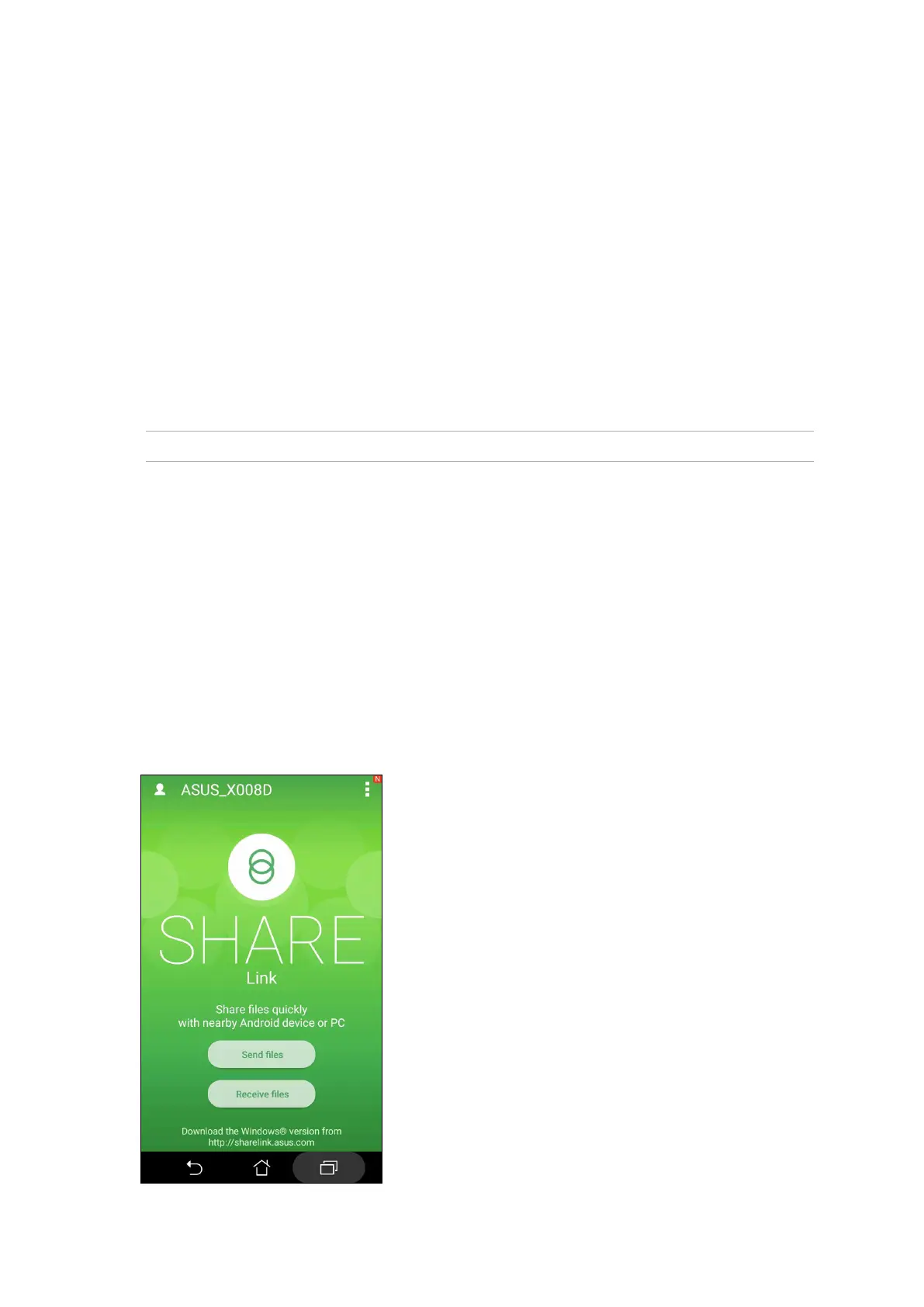
Share and receive les, apps, or media contents with Android mobile devices using Share Link app
(for ASUS mobile devices) or SHAREit app (for other mobile devices) via a Wi-Fi hotspot. With this
app, you can send or receive les that are larger than 100 MB and lets you share or receive multiple
les at the same time. Share Link app sends and receives les faster than using Bluetooth.
Sharing les
1. From your Home screen, tap ASUS > Share Link.
2. Tap Send le then select from the options that appear on your screen.















 To Next Page