33
Chapter 2: There’s no place like Home
Customizing the quick access buttons
By default, your lock screen includes quick access buttons for these apps: Camera, Phone, and
Internet. Change this default settings and customize these buttons to launch other apps on the
lock screen using the following steps:
1. Launch Quick settings then tap
.
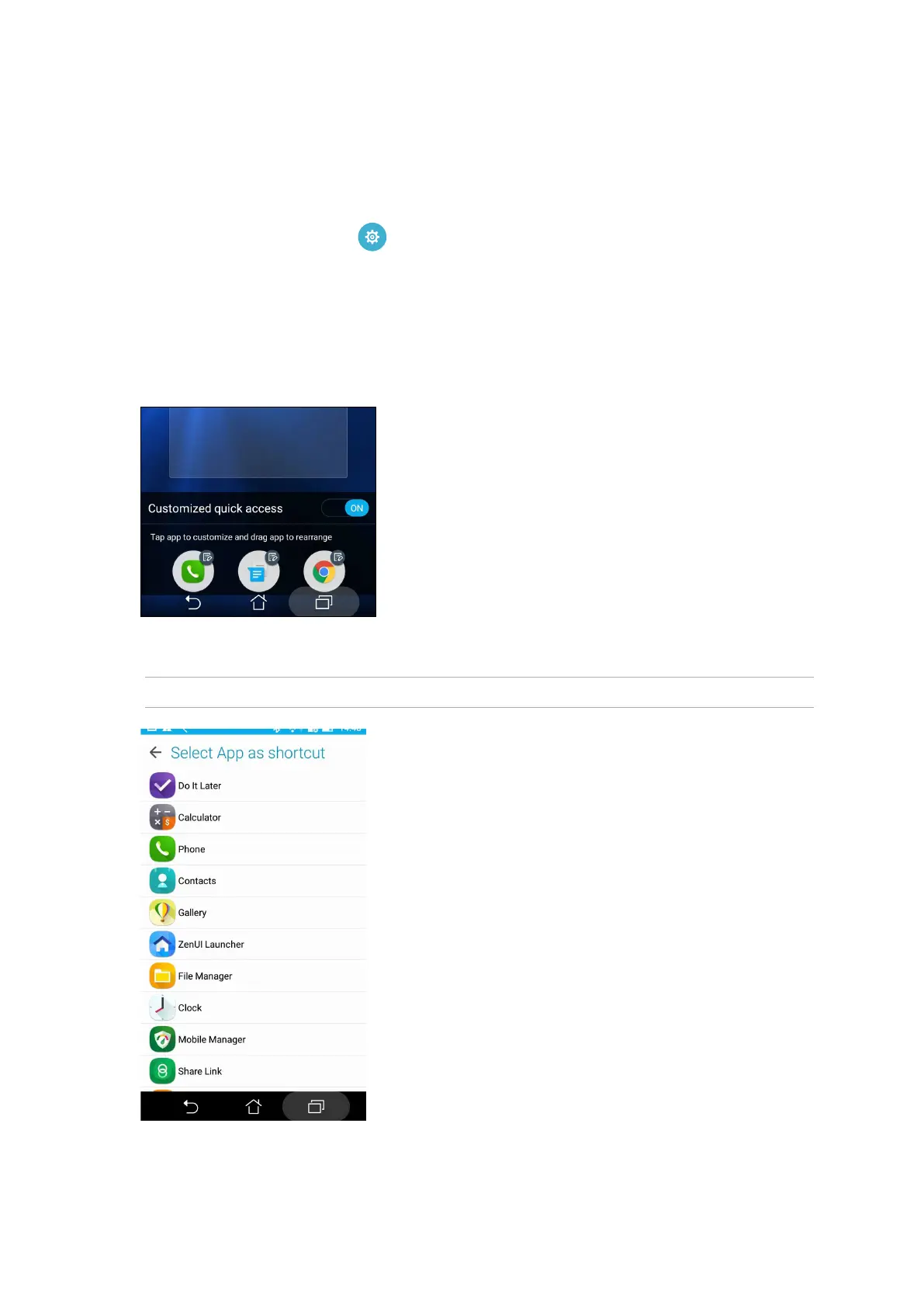
2. Scroll down the Settings screen, select Lock screen, then select Quick access.
3. From the Customized quick access eld, slide the bar to ON to enable this feature.
4. Select the app that you want to replace with another app.
5. Tap the app you would like to launch on the lock screen.
NOTE: Scroll up or down to view the current list of apps.
6. Hold and drag a quick access button to rearrange its order.















 To Next Page